Use FLUX.1 Kontext for reference-aware generation and edits with exclusive live examples.
Also consider: Use live Seedream 5.0 Pro or GPT Image 2 for instruction-heavy typography work, or FLUX.2 for fresh stills without a reference.
FLUX.1 Kontext · live endpoint
0 / 5000
For text-to-image, describe hierarchy, subject, layout, exact text, materials, light, and finish. For image-to-image, upload references and describe the edit.
Choose modelText to image · settings update automatically
Only live routes are selectable. Your prompt stays in place when you switch.
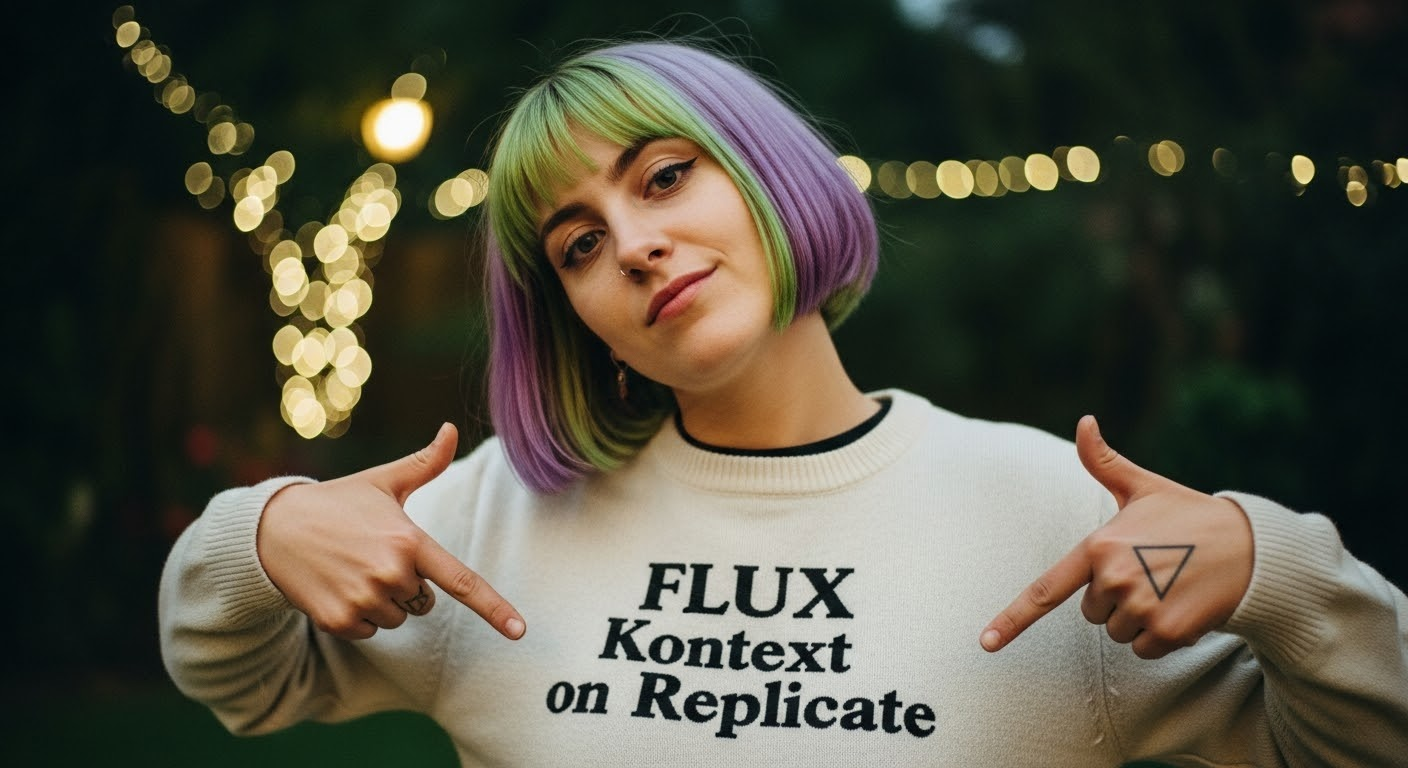
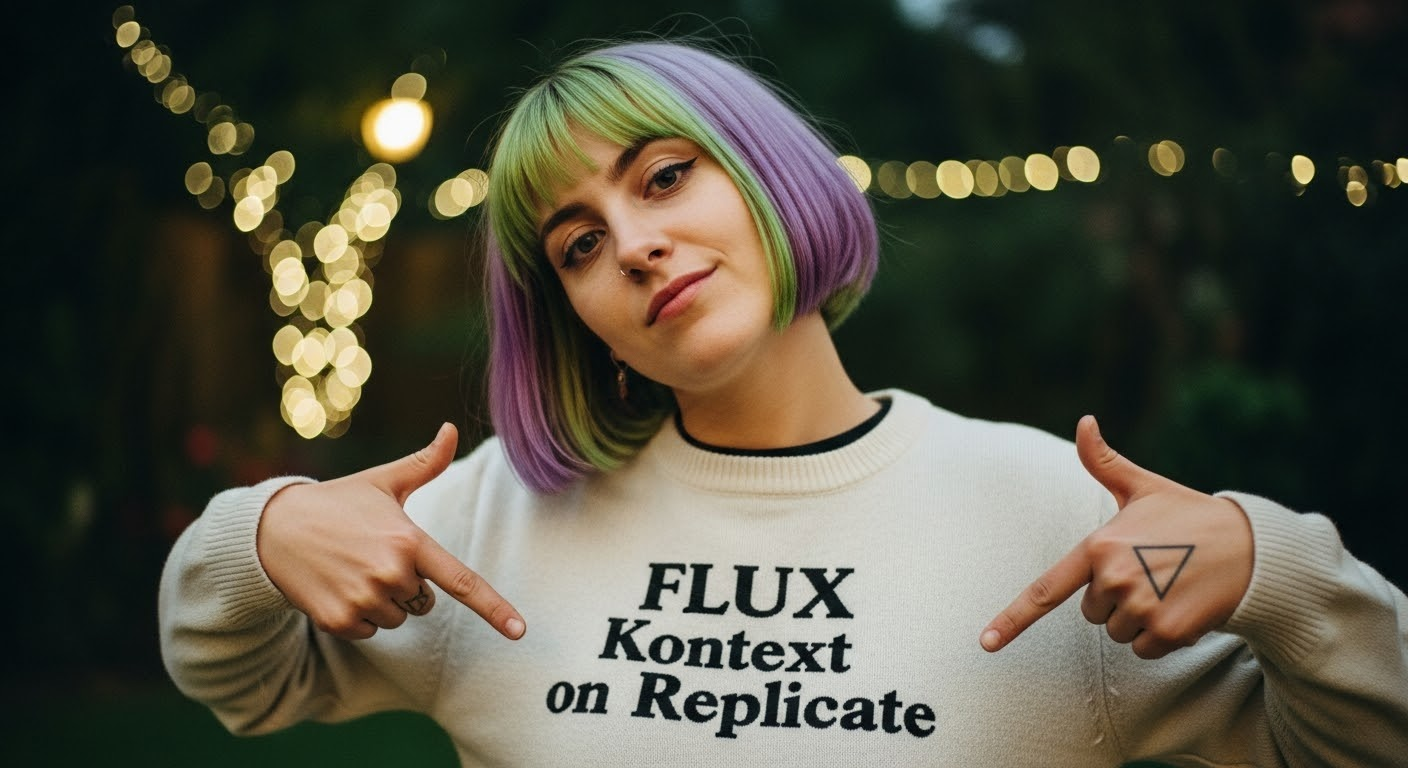
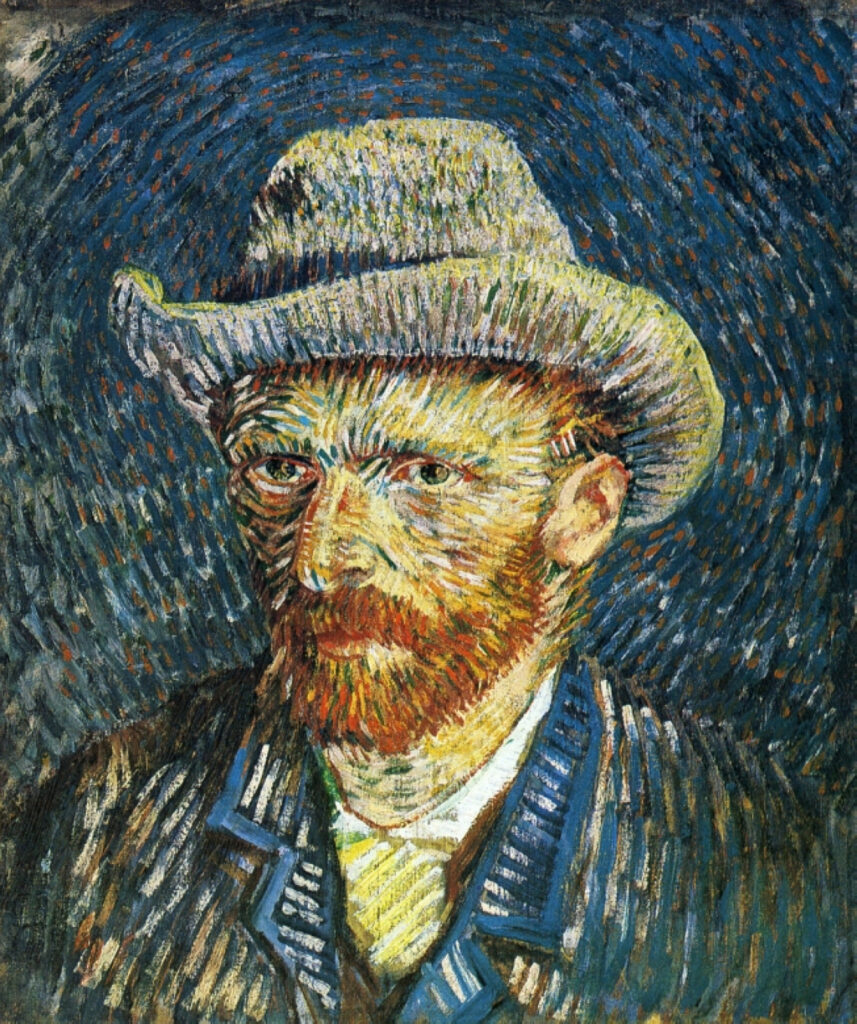
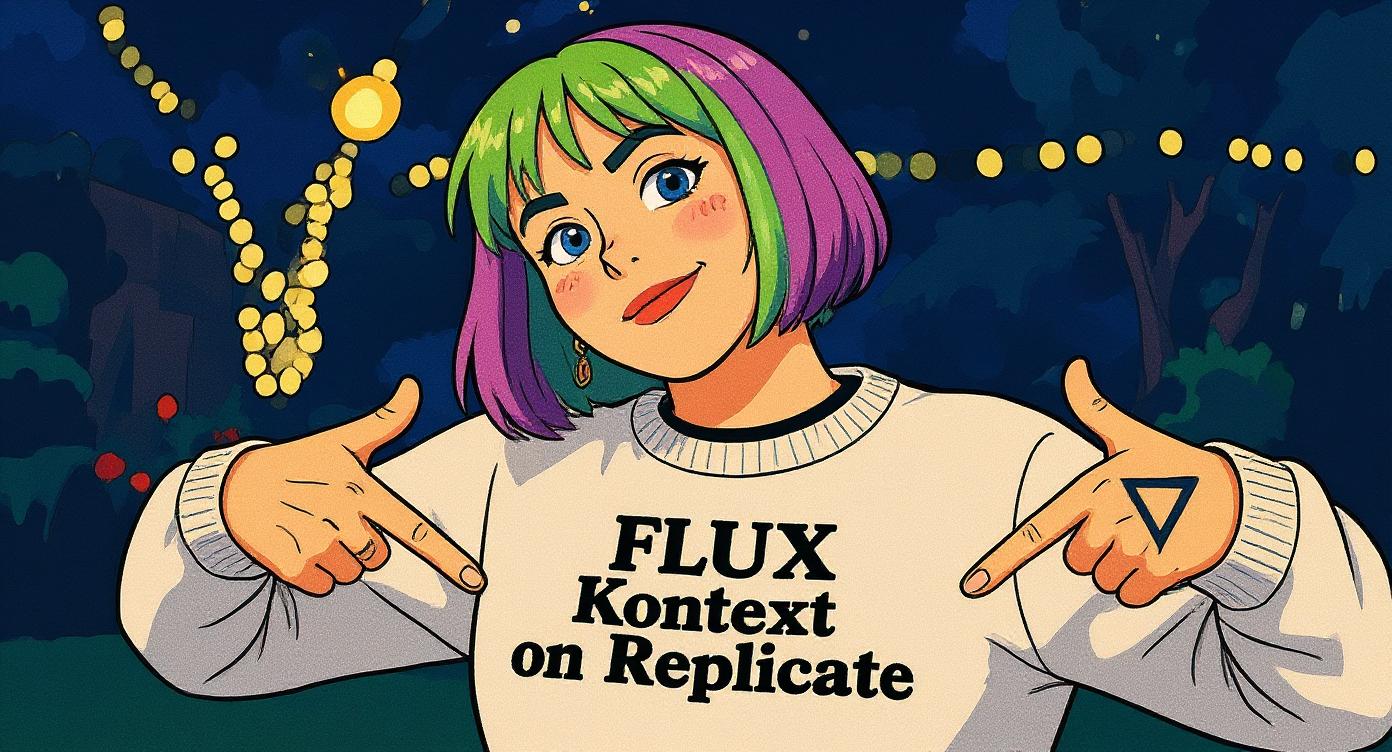
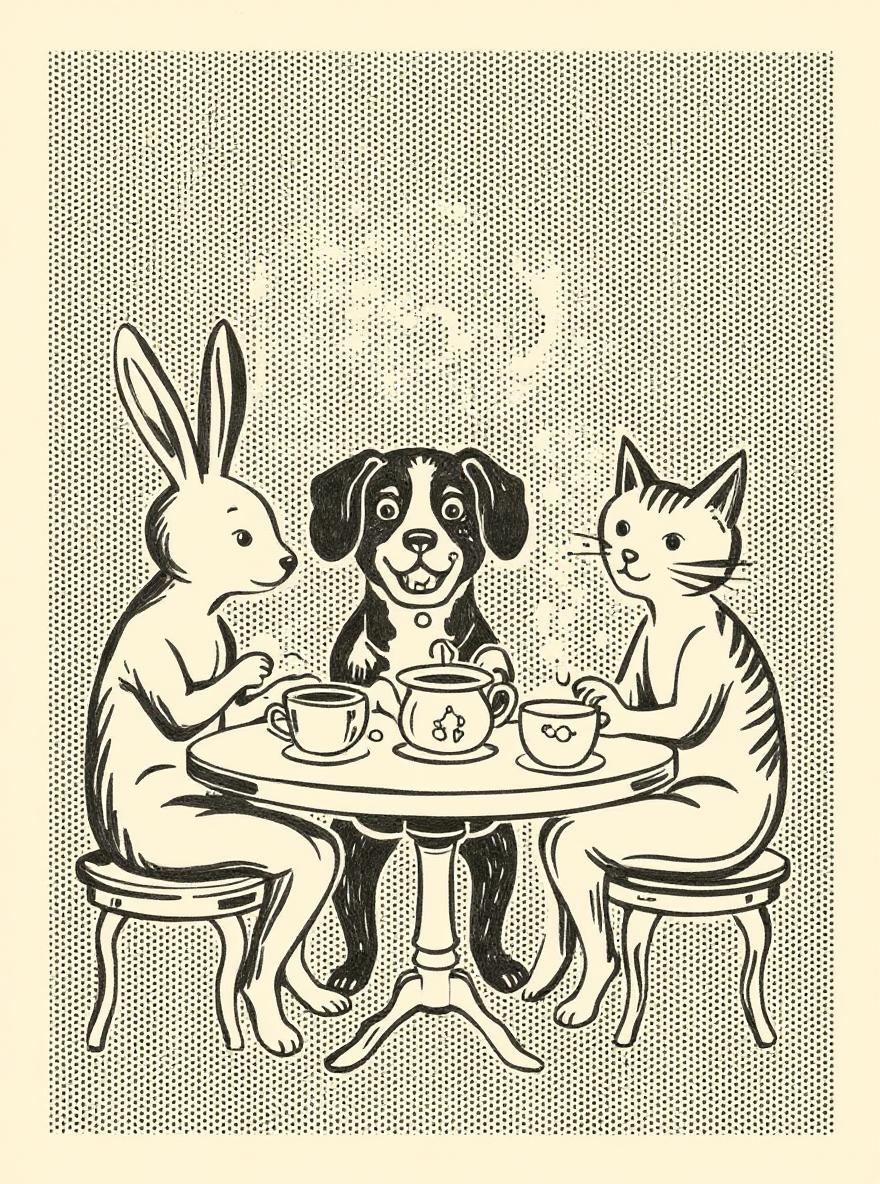
Exclusive visuals for this page. Use them as composition references when writing your own brief.
Kontext example AKontext example BEdit planning stillMaterial swap stillScene restyle stillPortrait preserve still
Model overview
What FLUX.1 Kontext is for
FLUX.1 Kontext is the reference-aware FLUX route when identity, label placement, or scene structure must survive an edit. State the invariants first, then name the change. Text-to-image and image-to-image are both live in this workspace. Inside Seedream 5.0 Pro, this model opens the generator with a live credit estimate before the request starts.
Decision guide
When to choose this route
Choose Kontext when an uploaded reference or a locked subject matters more than a brand-new composition. For unconstrained stills, use FLUX.2 or Seedream instead. Keep the comparison on Seedream 5.0 Pro when you want this image route next to the live Seedream 5.0 Pro path.
Specification notes
Capabilities stay tied to what the live endpoint can do in this workspace.
Preserve-then-change structure
Name invariants before the requested transformation.
Reference-first examples
Gallery stills support planning edit intensity and framing.
Live edit bridge
Current image-to-image models are named explicitly.
FLUX.1 Kontext prompt examples
Each example pairs a visual reference with a copyable production brief. Replace subjects while keeping hierarchy, light, and materials concrete.
Background replace
Preserve subject cutout integrity before naming the new environment.
From the reference, lock bottle silhouette, cap geometry, and label crop. Swap only the set to a cool concrete alcove with a single bounce card and a crisp contact shadow.
Material recolor
A narrow material change is easier to evaluate than a full restyle.
Preserve the uploaded sneaker shape and all logo placement. Change the materials to off-white mesh and forest-green suede under neutral daylight.
Seasonal restyle
Keep composition; change only weather and palette.
Keep the cafe window seat composition from the reference. Restyle as rainy autumn evening with fogged glass, amber interior lamps, and a wool coat on the chair.
Wardrobe swap
Lock face and pose before changing clothing.
Preserve face, pose, and camera from the reference. Replace the jacket with a structured ivory blazer and keep the street background unchanged.
Cleanup edit
Constrain repairs to a small visible defect.
Keep the family composition and warm room light from the reference. Remove the cluttered table objects and extend the wooden surface naturally.
Style transfer lite
Transfer medium without inventing new subjects.
Preserve the subject and framing from the reference. Restyle as a gouache illustration with visible paper texture and limited muted pigments.
A controlled image workflow
Small, intentional changes produce more learning than rewriting every part of the prompt.
01
Mark invariants
List what must remain: identity, logo, camera, crop, or layout.
02
Name one change
Background, material, wardrobe, season, or cleanup—pick a single primary edit.
03
Edit live
Use live FLUX.1 Kontext, Nano Banana, or GPT Image 2 image-to-image according to the edit's preservation and typography needs.
04
Save the pair
Keep source and result with the prompt for a future Kontext benchmark.
Workspace facts
Live constraints for FLUX.1 Kontext on this route: endpoints, credit math, and provider pricing sources you can verify before generating.
Live endpoints on this page
FLUX.1 Kontext opens through 2 linked endpoints in the Seedream 5.0 Pro generator: black-forest-labs/flux-kontext-pro/text-to-image; black-forest-labs/flux-kontext-pro. Available modes here: text to image, image to image. Shared aspect ratios: 1:1, 16:9, 4:3, 3:4, 9:16.
Credit cost in this workspace
A typical 1:1 text-to-image run with FLUX.1 Kontext costs 2 credits here. Image-to-image with one reference is 2 credits on black-forest-labs/flux-kontext-pro.
Compared with the Seedream 5.0 Pro default
Home default remains FLUX.2. This page locks FLUX.1 Kontext for a controlled comparison in the same prompt box and credit estimator.
Related model pages
Stay inside the same workspace while comparing nearby model intents.
What creators say after using this workflow in production.
Kontext-style briefs — preserve subject, change environment — are how we already edit. This page names that workflow clearly.
Context-aware editing examples helped our team list “keep” vs “change” in every client revision note.
We use the Kontext prompt patterns with live image-to-image today. When Kontext lands here, the habit is already built.
Background swaps without melting the product edge — that is what we hunt for. The examples set the right expectation.
Reference preservation language from this landing page reduced bad edits in our current GPT Image 2 runs by a lot.
Kontext is the right mental model for revision rounds: stable hero, controlled delta. The page teaches that better than generic docs.
FLUX.1 Kontext FAQ
Is FLUX.1 Kontext available here?+
Yes. FLUX.1 Kontext is live for text-to-image and reference edits in this workspace. This applies inside the Seedream 5.0 Pro product.
What should I use for reference edits now?+
Use live FLUX.1 Kontext, Nano Banana, or GPT Image 2 in image-to-image mode from the shared generator. This applies inside the Seedream 5.0 Pro product.
How do I write a stronger edit prompt?+
State what to preserve first, then describe a single concrete change with lighting and material detail. This applies inside the Seedream 5.0 Pro product.