Hero campaign
One subject, one light motive, and empty space for type.
Hero campaign still of a chrome espresso machine on black stone, single ribbon of morning light, soft steam, left negative space for a short headline.
 Seedream 5.0 Pro
Use FLUX.2 Max for premium final stills with exclusive examples and a live credit estimate.
Also consider: FLUX.2 for drafts; FLUX.2 Pro for balanced production runs. The live default on this site remains Seedream 5.0 Pro.
Your image will appear here
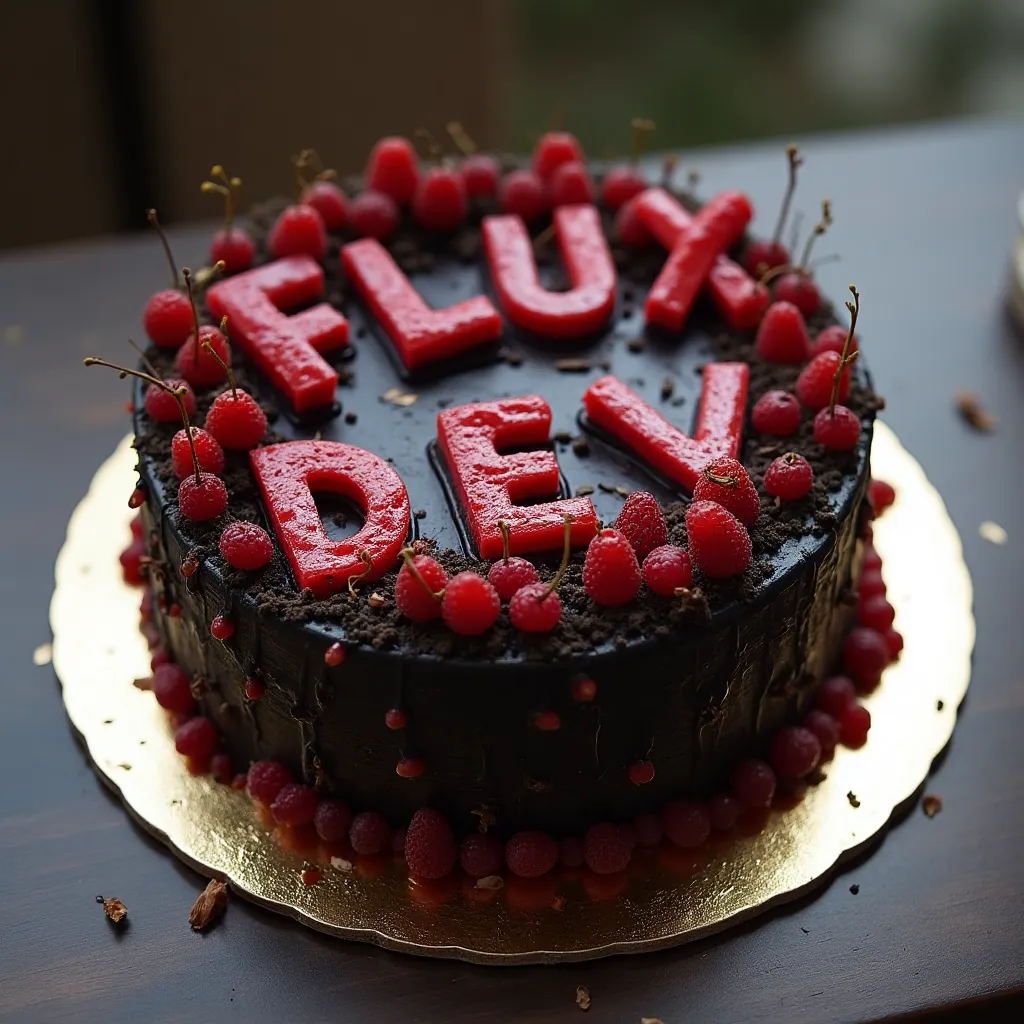
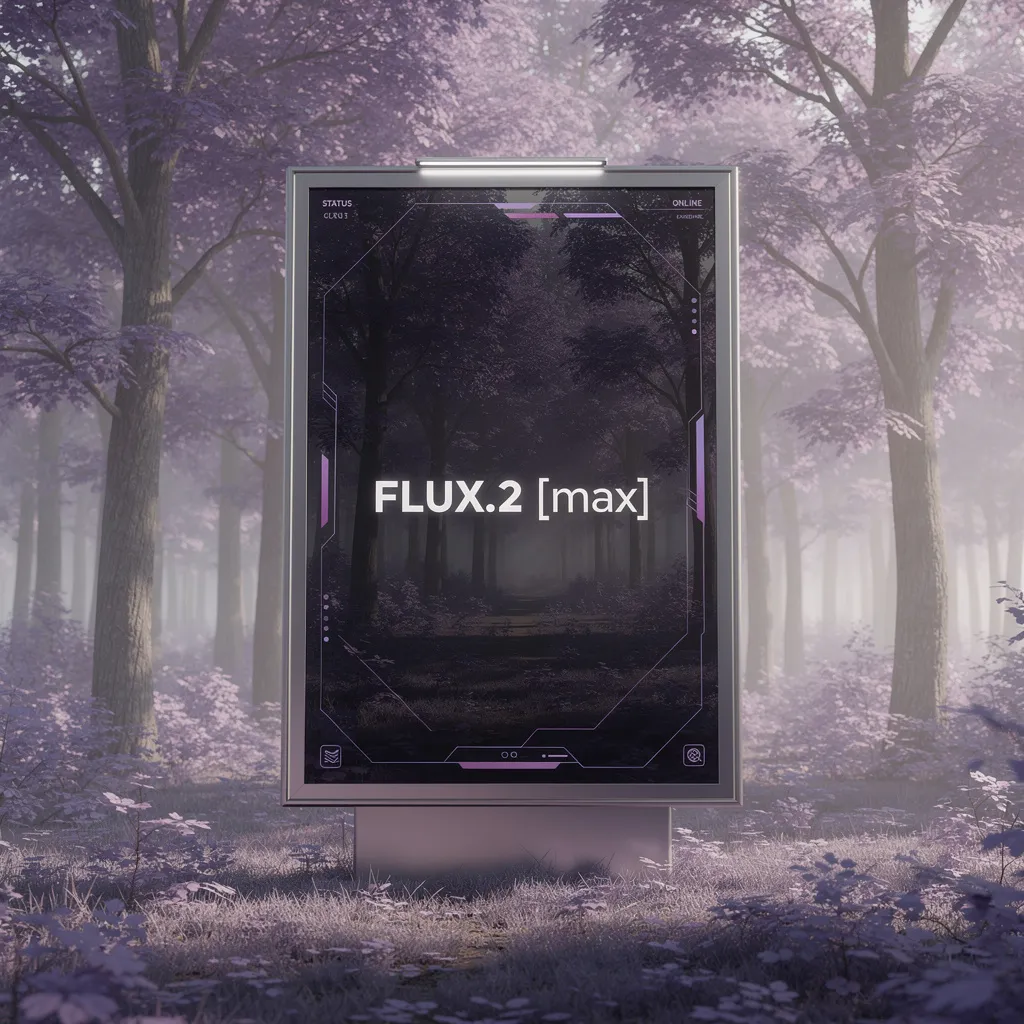
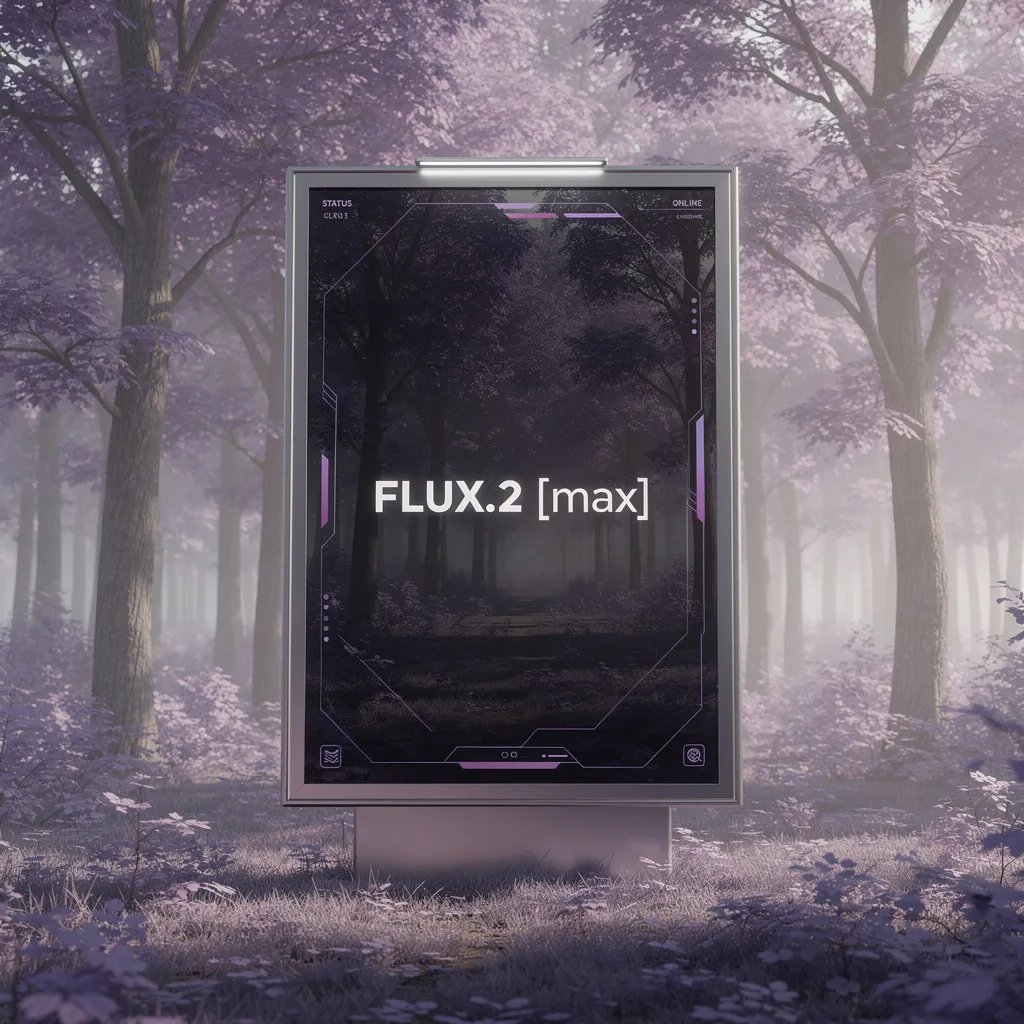
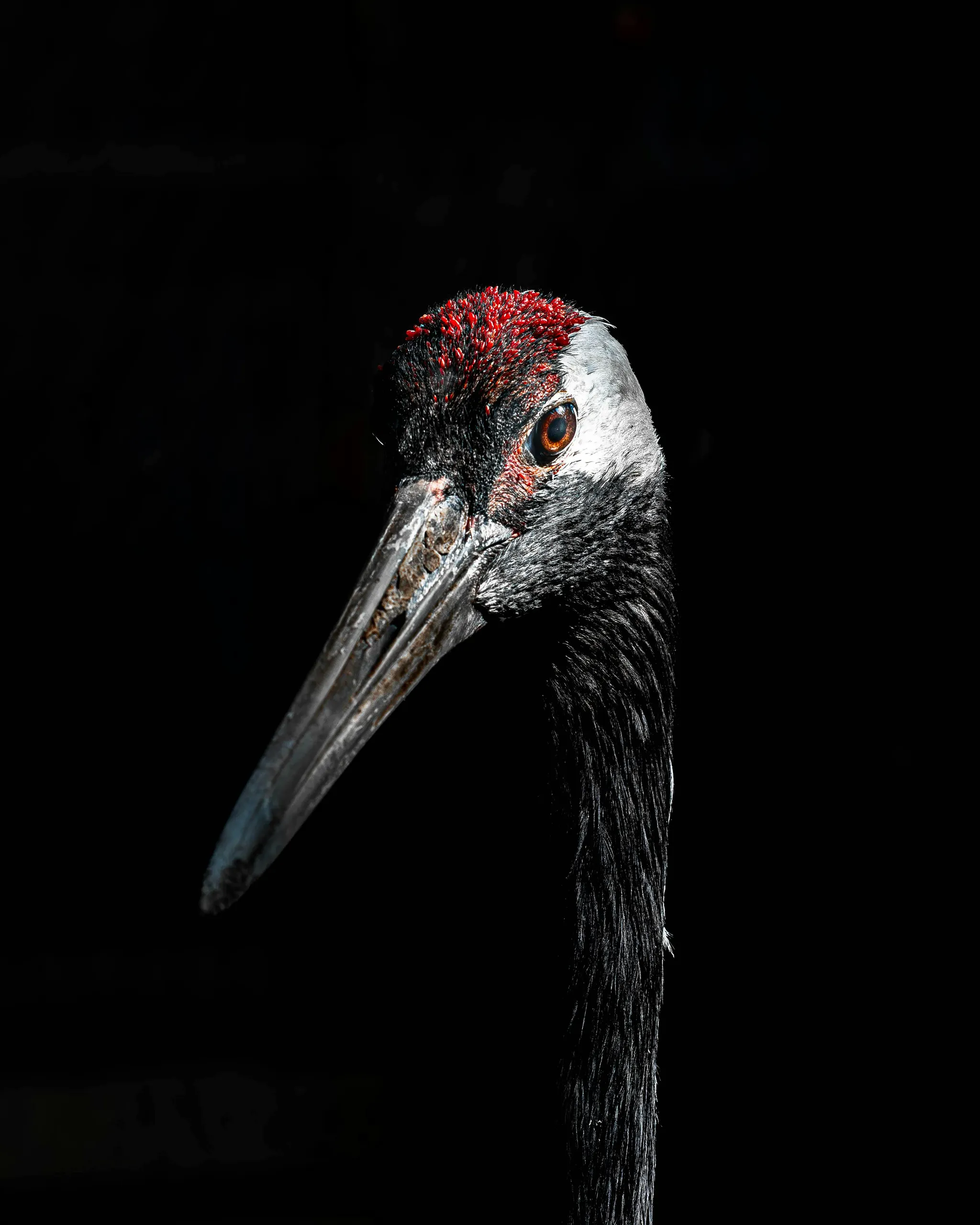
Exclusive visuals for this page. Use them as composition references when writing your own brief.
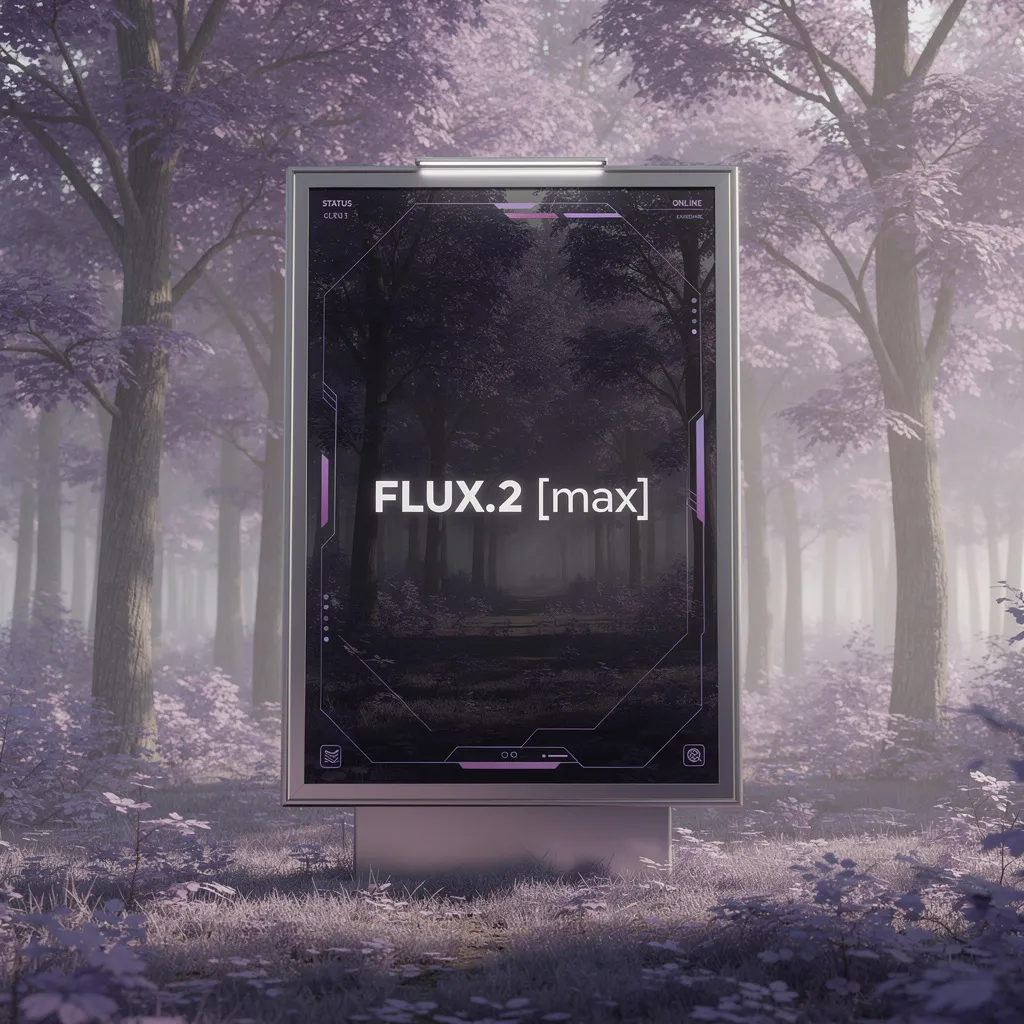
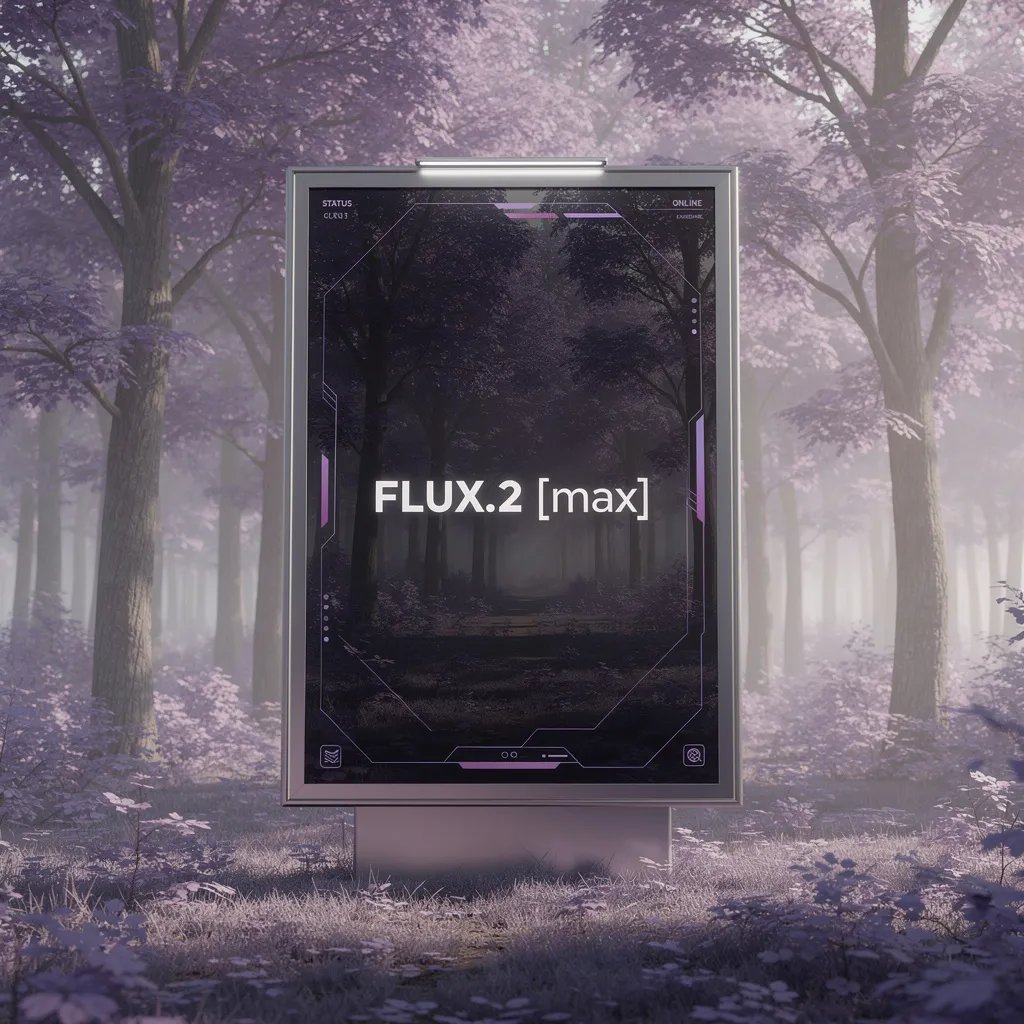
Model overview
FLUX.2 Max is the final-asset FLUX route when micro-detail, surface fidelity, and presentation finish matter more than draft speed. Write a restrained brief with explicit materials and lighting, then validate one controlled variation at a time. Inside Seedream 5.0 Pro, this model opens the generator with a live credit estimate before the request starts.
Decision guide
Choose Max after a FLUX.2 or Pro direction is already selected. Keep the prompt hierarchy stable and change only finish, crop, or palette between runs. Keep the comparison on Seedream 5.0 Pro when you want this image route next to the live Seedream 5.0 Pro path.
Capabilities stay tied to what the live endpoint can do in this workspace.
Each example pairs a visual reference with a copyable production brief. Replace subjects while keeping hierarchy, light, and materials concrete.
One subject, one light motive, and empty space for type.
Hero campaign still of a chrome espresso machine on black stone, single ribbon of morning light, soft steam, left negative space for a short headline.
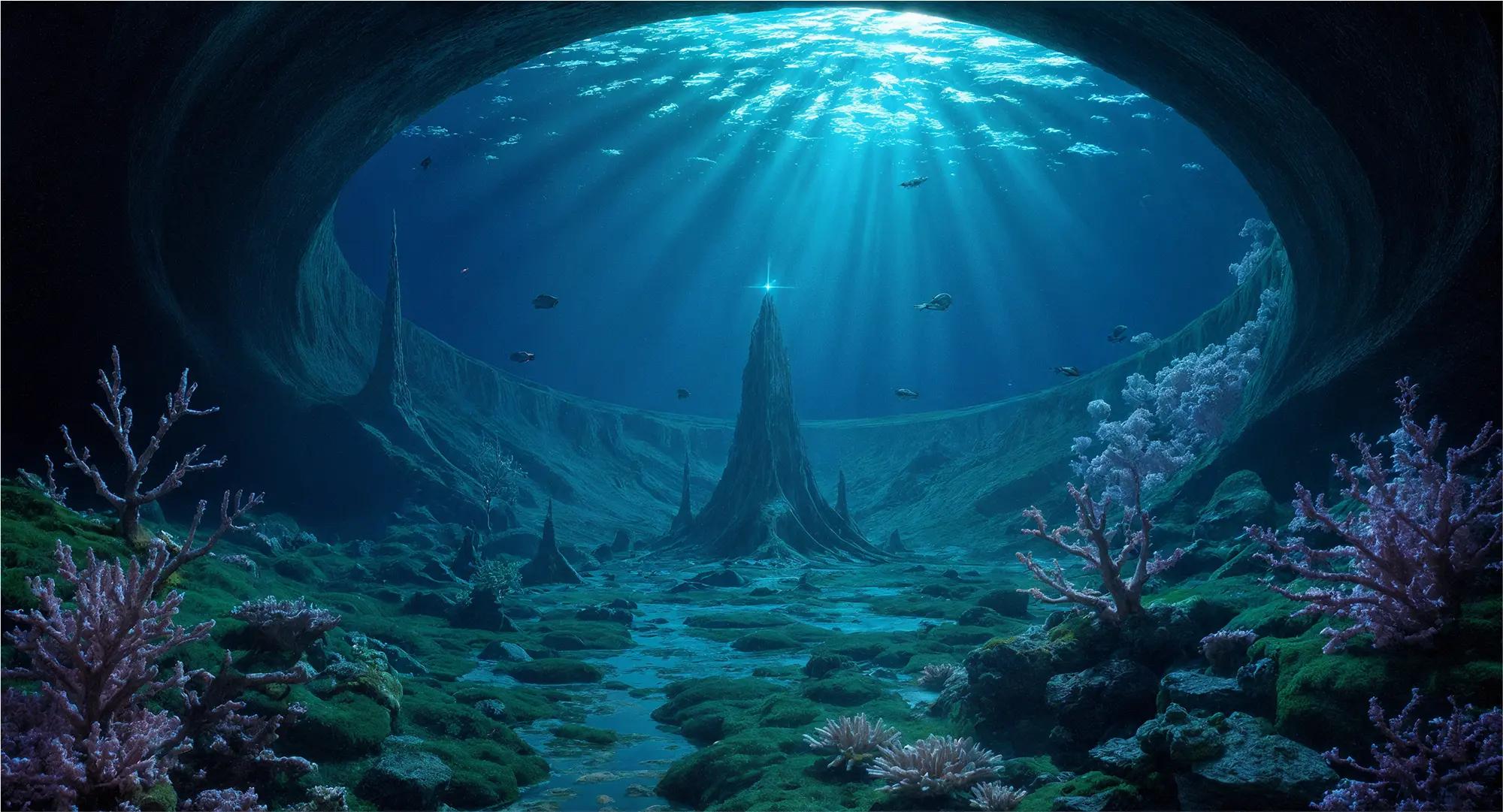
Ask for tactile micro-detail rather than generic “8K”.
Macro of wet citrus peel on brushed steel, droplets catching hard rim light, shallow focus, commercial food detail.

Establish place before adding characters or props.
Empty modernist gallery at dusk, polished concrete, one hanging linen artwork, cool window wash, architectural photograph.

Wardrobe and pose continuity matter more than adjective stacks.
Young archivist in a rust wool coat holding a glowing glass archive tube, snowy station platform, soft sodium lights, cinematic key art.
Keep logo areas blank unless the exact string is short.
Sustainable detergent bottle on pale birch, soft daylight, condensation, blank front label zone, premium packaging render.

Describe left/right hierarchy for layout-ready frames.
Editorial double-page direction: oversized ceramic bowl on left, handwritten recipe card space on right, linen tablecloth, morning window light.
Small, intentional changes produce more learning than rewriting every part of the prompt.
Describe the asset as a campaign still, key art, packaging render, or editorial plate.
Decide whether hands, typography, materials, or lighting will decide success.
Use live FLUX.2 Pro, Seedream 5.0 Pro, or GPT Image 2 according to the final asset's detail, layout, and typography needs.
Keep the same brief for a FLUX.2 Max comparison once a verified endpoint exists.
Live constraints for FLUX.2 Max on this route: endpoints, credit math, and provider pricing sources you can verify before generating.
What creators say after using this workflow in production.
FLUX.2 Max gallery targets are what we show clients when they ask for “final campaign quality.” The briefs on this page read like real art direction.
We prep Max-style prompts here and run GPT Image 2 until Max is live. When the endpoint lands, our library is already written.
Final-asset prompting — treating every line like it will ship — improved our live outputs even before Max was configured.
Honest tracking saved us from promising a model to a client that was not in the generator yet. Trust matters more than hype.
The cover still in the showcase matches the kind of polish we need for lookbook frames. We mirror that structure in Seedream today.
Gallery evidence beats feature bullet lists. My team opens this page when they need a concrete quality reference for a brief.
Yes. FLUX.2 Max is live for text-to-image and image-to-image in this workspace. This applies inside the Seedream 5.0 Pro product.
Use live FLUX.2 Pro for high-fidelity finals, Seedream 5.0 Pro for structured production layouts, or GPT Image 2 for precise typography and edits.
They are curated from official FLUX showcase sources linked on each figure. Availability of a local generate endpoint remains separate. This applies inside the Seedream 5.0 Pro product.