General art direction
A portable Flux-family brief for any later endpoint.
Matte black camera body on rippled aluminium, thin strip of ice-blue light, precise engraved details, premium industrial product photograph.
 Seedream 5.0 Pro
Compare FLUX.2, Max, Pro, and Kontext, then generate live through FLUX.2 in this workspace.
Also consider: Open FLUX.2 Max, Pro, or Kontext pages for a more specific route, or stay on Seedream 5.0 Pro for dense layouts.
Your image will appear here
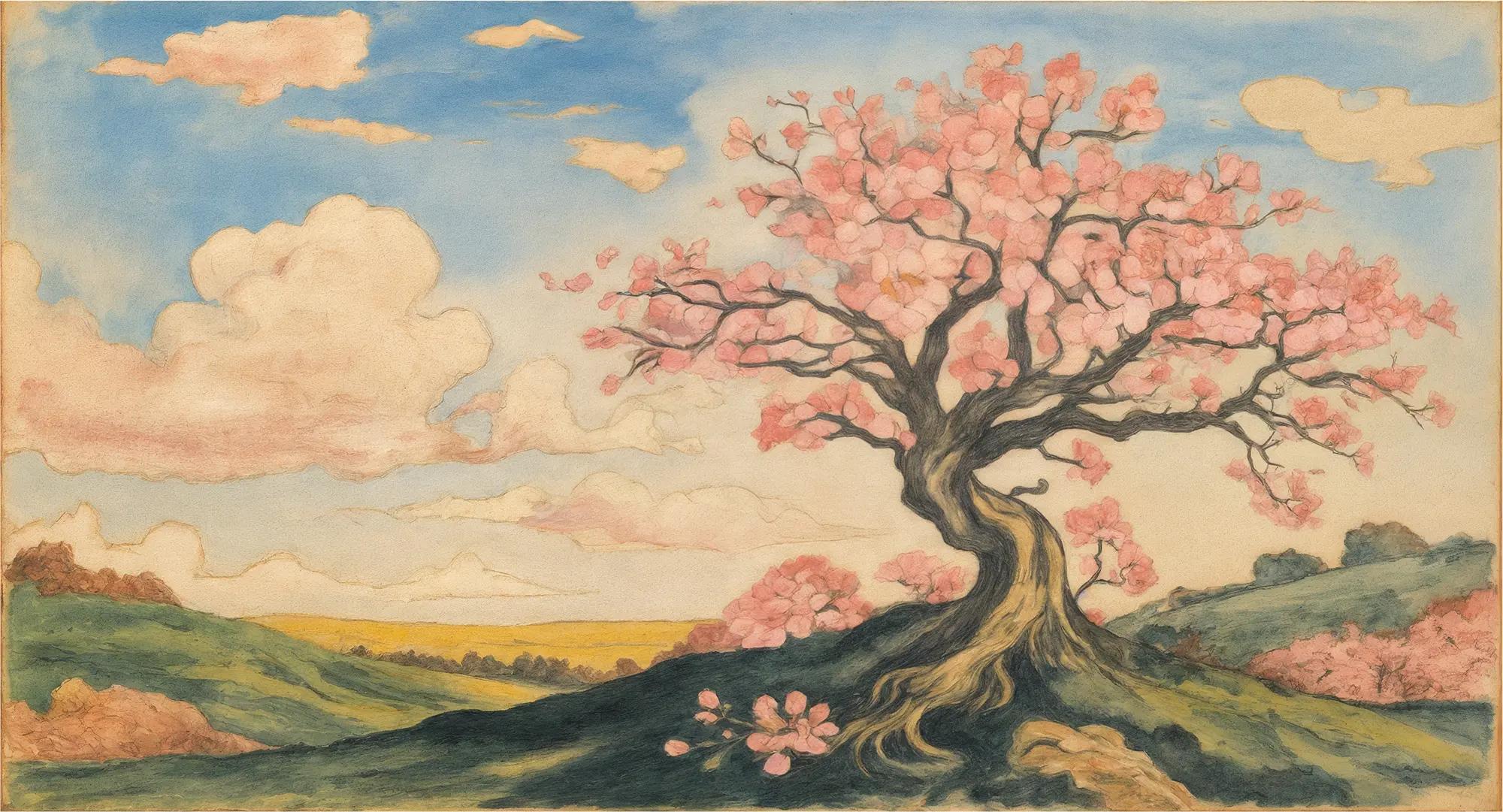
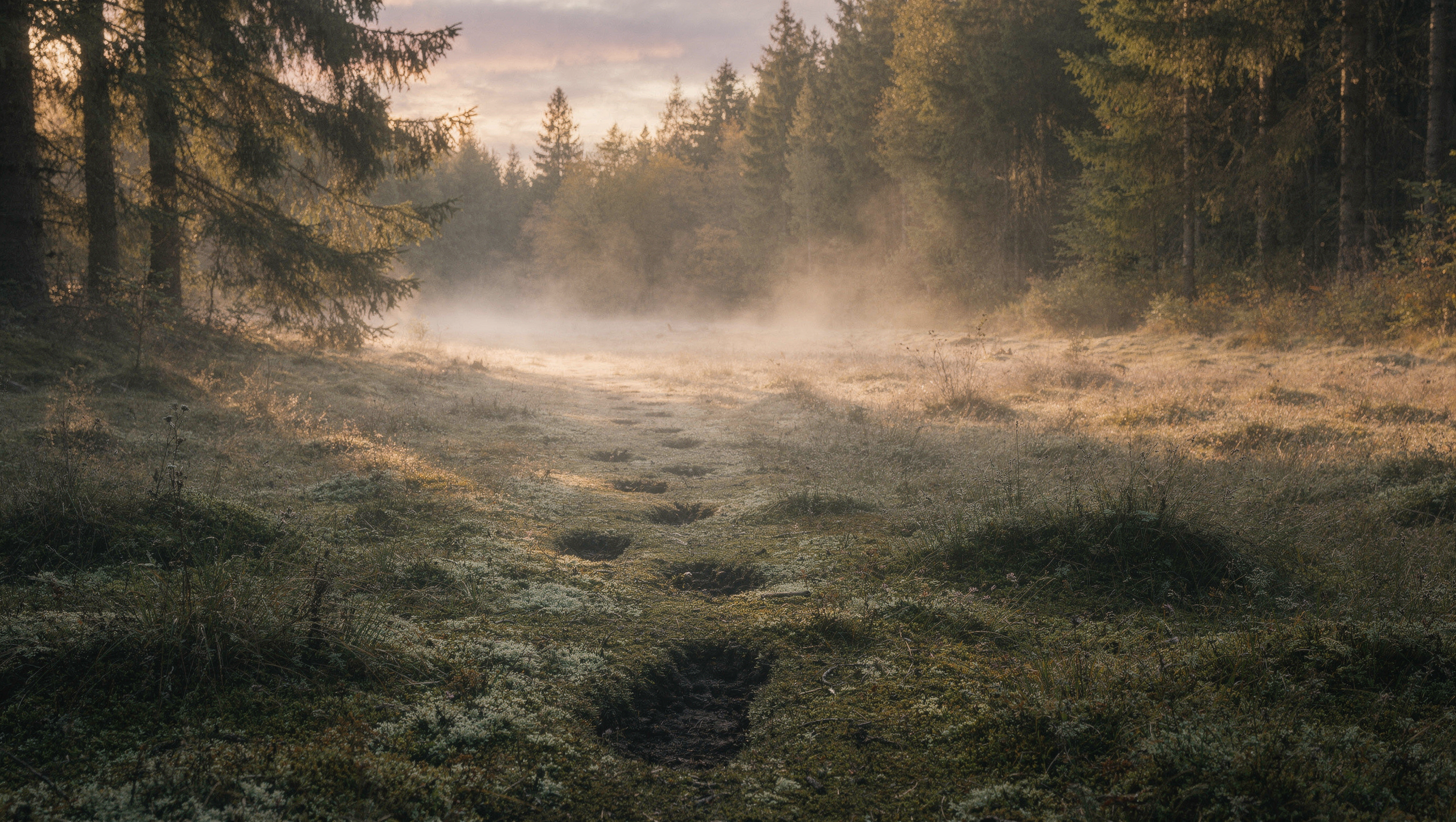
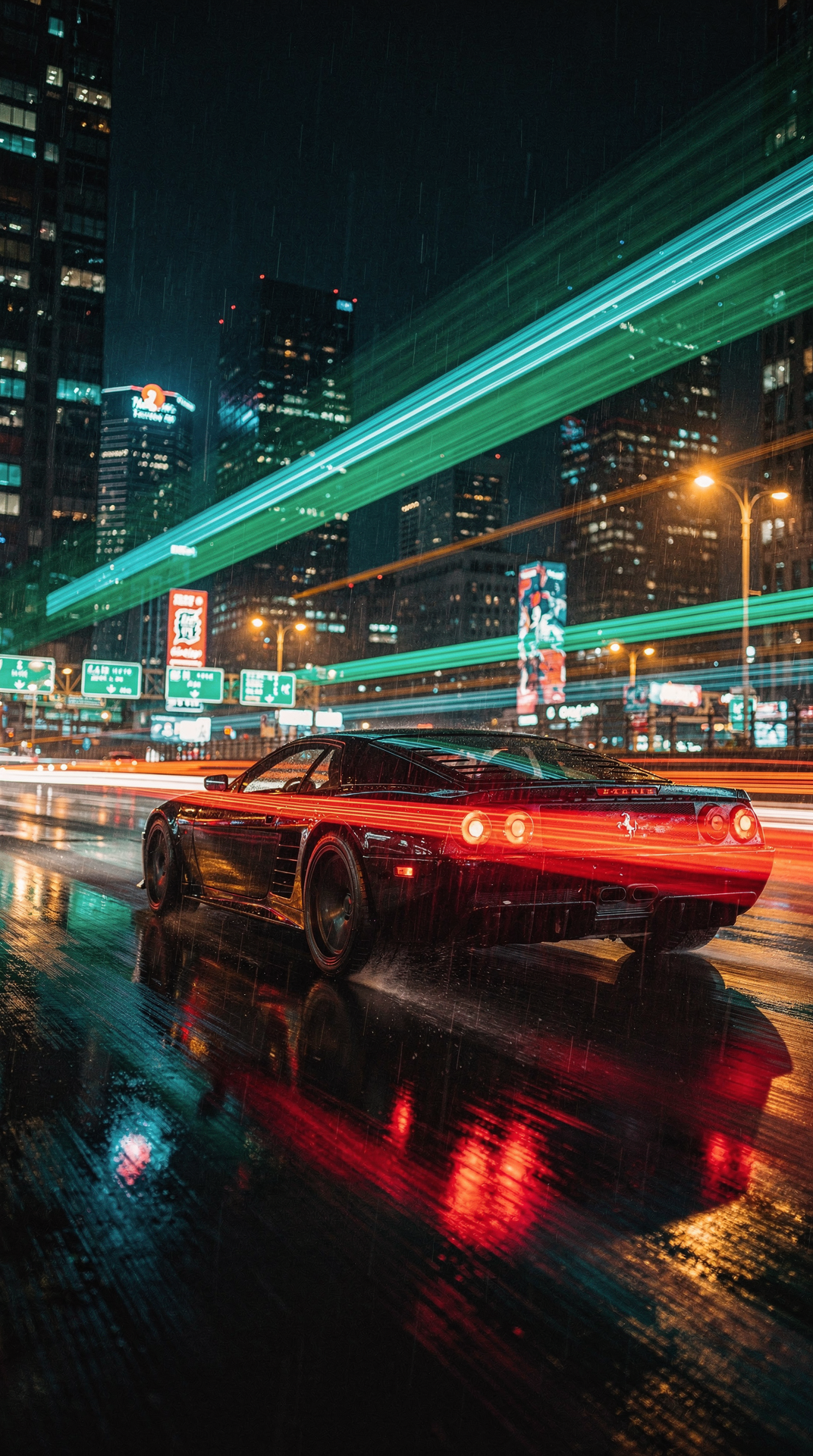
Exclusive visuals for this page. Use them as composition references when writing your own brief.
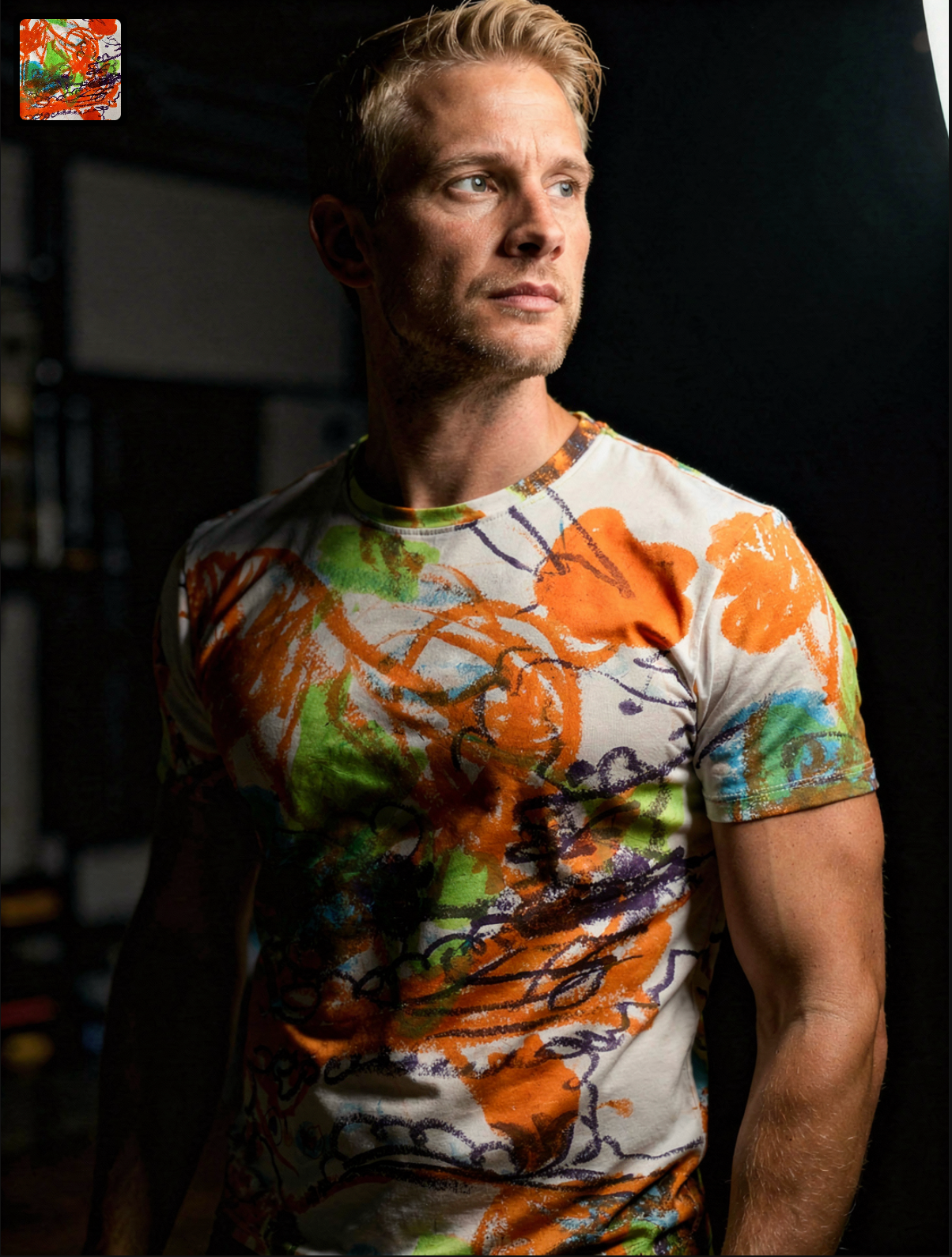
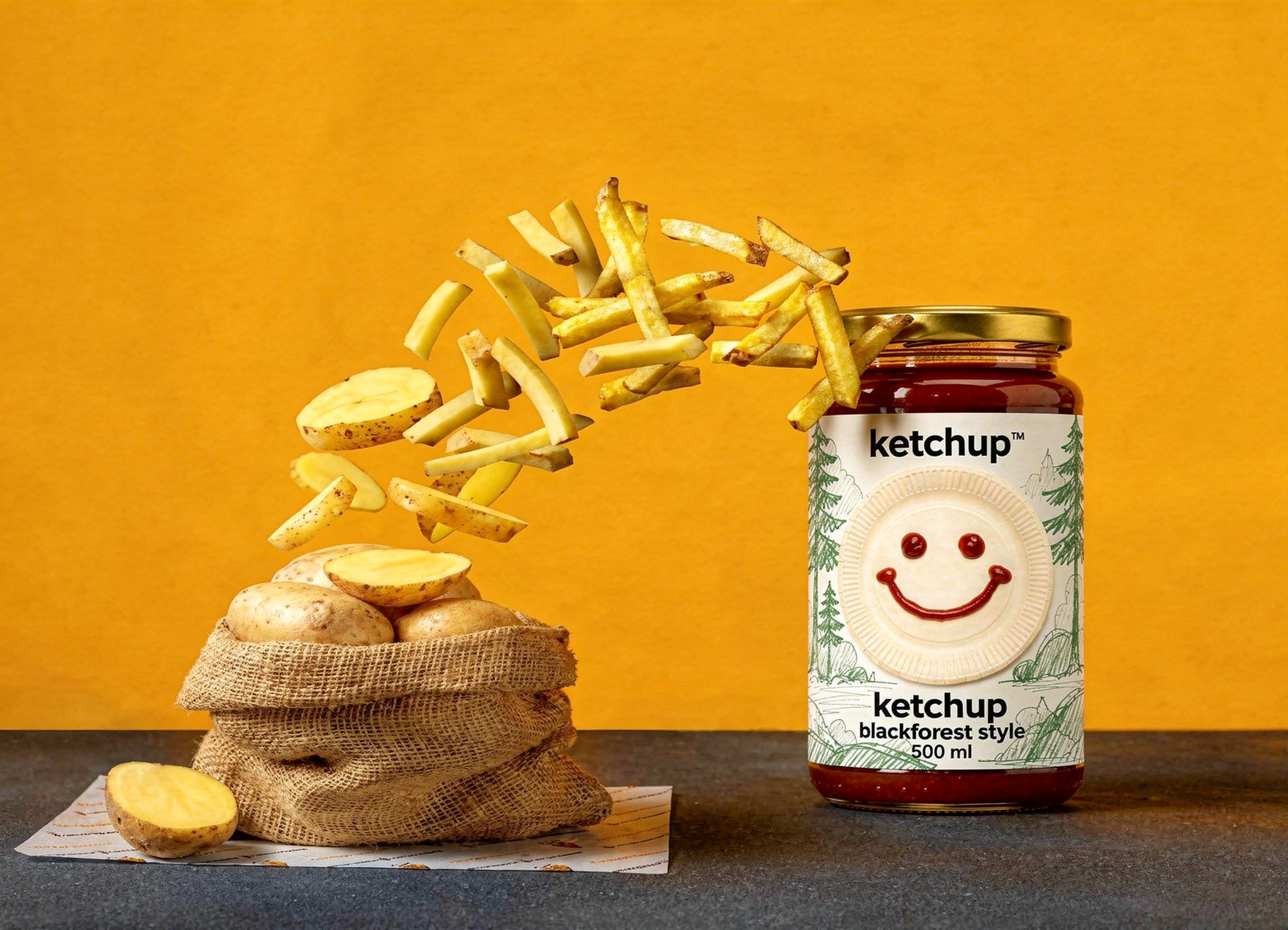
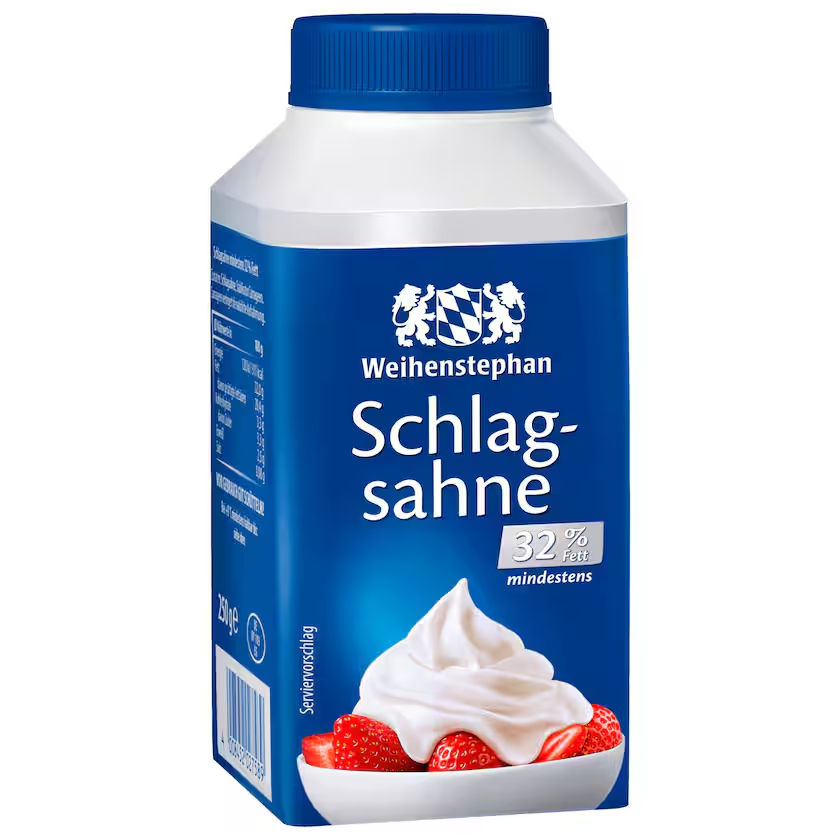
Model overview
This Flux AI image generator hub maps the live FLUX family in one place. Hub visuals stay exclusive to this page. Generate immediately with FLUX.2, or jump to Max, Pro, and Kontext when the brief needs a narrower route. Inside Seedream 5.0 Pro, this model opens the generator with a live credit estimate before the request starts.
Decision guide
Use the hub to pick a FLUX intent, then open the matching page or generate with FLUX.2 now. Availability is live for each listed FLUX endpoint in the shared generator. Keep the comparison on Seedream 5.0 Pro when you want this image route next to the live Seedream 5.0 Pro path.
Capabilities stay tied to what the live endpoint can do in this workspace.
Each example pairs a visual reference with a copyable production brief. Replace subjects while keeping hierarchy, light, and materials concrete.
A portable Flux-family brief for any later endpoint.
Matte black camera body on rippled aluminium, thin strip of ice-blue light, precise engraved details, premium industrial product photograph.

Location, gesture, weather, and lens create a specific frame.
Traveler stepping off a yellow ferry in heavy coastal rain, folded map in hand, windblown coat, muted color, 35mm travel editorial.
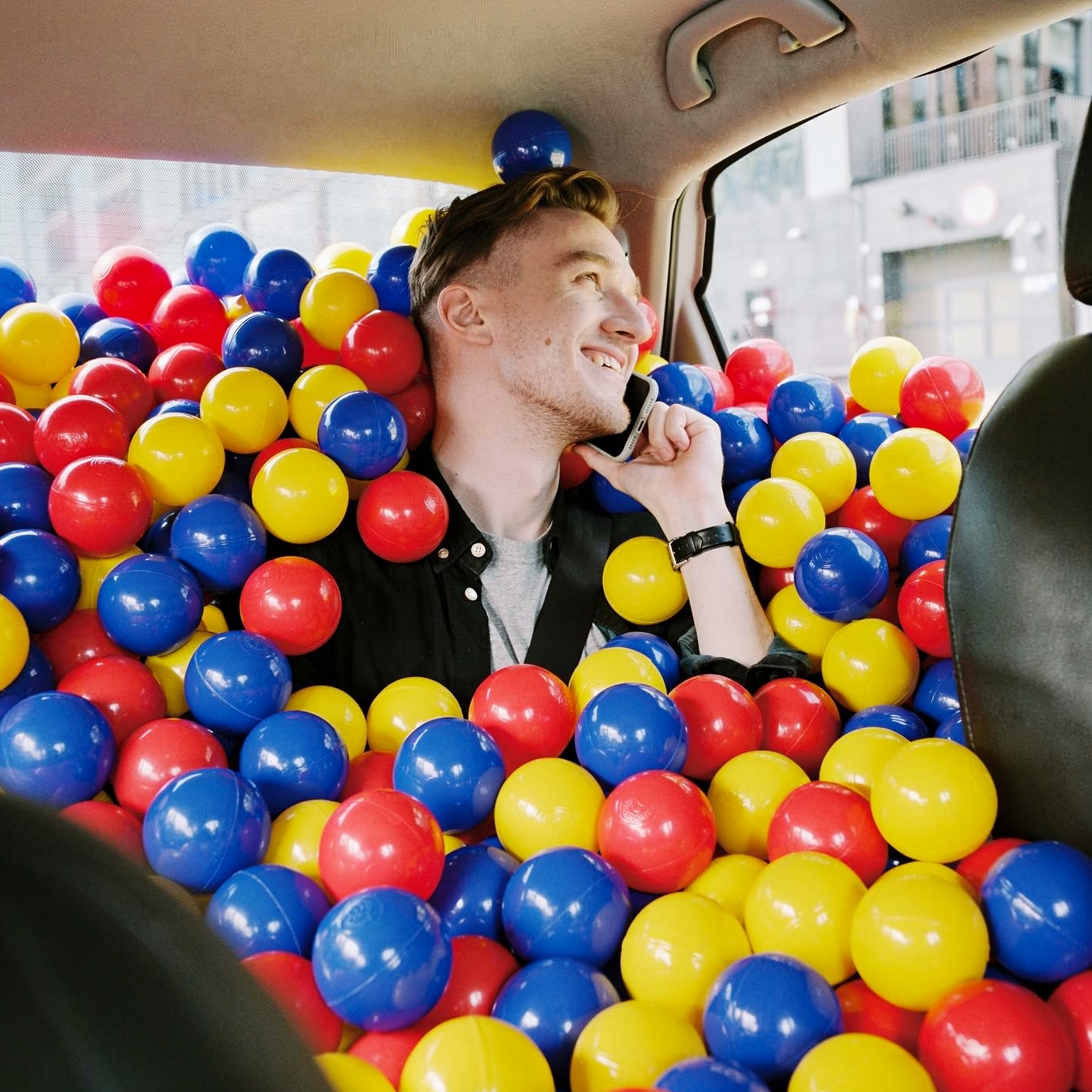
Write as if the asset will ship tomorrow.
Luxury campaign still of an amber perfume bottle on wet slate, single sunset beam, precise glass reflections, generous headline space.
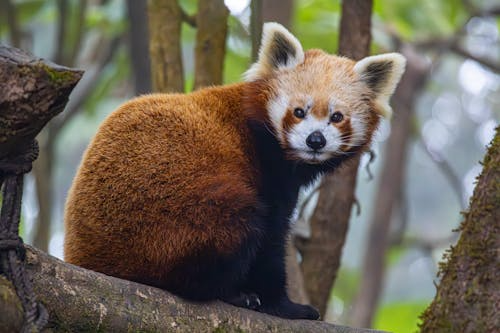
Freeze camera and surface for SKU repetition.
Centered packshot of a matte spice tin on warm grey seamless, soft overhead light, blank label zone, catalog consistency.
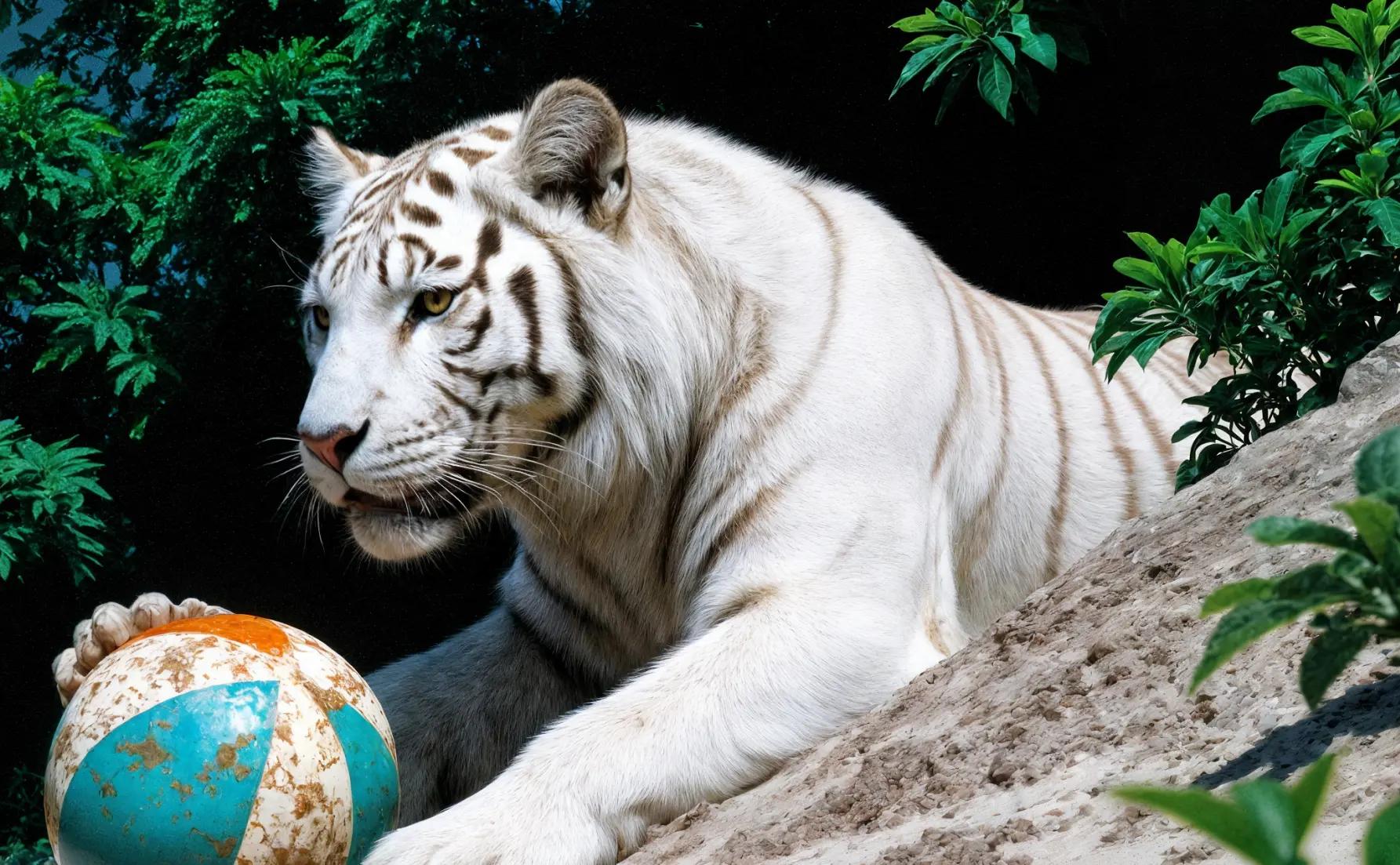
Preserve identity, then change one layer.
Preserve the uploaded chair shape and camera angle. Replace the room with a pale green glasshouse after rain, filtered morning light.

Keep label count modest and reading order clear.
Simple illustrated diagram of a rainwater collection system, roof to barrel to garden, four short labels, blue ink on warm paper.
Small, intentional changes produce more learning than rewriting every part of the prompt.
General gallery, Max final, Pro batch, or Kontext edit.
Use the dedicated FLUX.2, Max, Pro, or Kontext page for a deeper example set.
Create in the image workspace with a configured model label.
Archive prompts for a future verified Flux integration.
Live constraints for Flux AI image generator on this route: endpoints, credit math, and provider pricing sources you can verify before generating.
What creators say after using this workflow in production.
This Flux overview page is what I send students who ask “which Flux keyword matters.” Clear routes instead of SEO soup.
Comparing Flux tiers on one site beat opening five tabs of conflicting blog posts. Examples do the explaining.
When Flux is not live, the alternative callouts to Seedream and GPT Image 2 actually work — I did not hit a dead end.
We bookmark model pages per client tier. Flux AI generator is the entry point before anyone dives into Max or Kontext specifics.
Prompt examples here are copy-paste starting points, not inspiration porn. I swap the subject and keep the structure.
Flux naming is confusing industry-wide. This page maps intent to the right sub-page without pretending everything is one button.
Yes. FLUX.2 is live from this hub, and Max, Pro, and Kontext are selectable in the same generator. This applies inside the Seedream 5.0 Pro product.
Use /flux-2 for the broad gallery, /flux-2-max for finals, /flux-2-pro for production batches, and /flux-1-kontext for reference edits. This applies inside the Seedream 5.0 Pro product.
Seedream 5.0 Pro, GPT Image 2, Nano Banana, and the FLUX family are available in the shared image generator.