Moodboard seed
Start with a strong visual premise before polished campaign detail.
Surreal travel moodboard, cobalt ocean seen through a hotel window, oversized citrus, sun-faded linen, flash photography, optimistic summer palette.
 Seedream 5.0 Pro
Explore Nano Banana for rapid image concepts, variations, and reference-guided edits in a live workflow.
Also consider: Seedream 5.0 Pro for structured production layouts; GPT Image 2 for precise typography and instruction-led edits.
Your image will appear here
Exclusive visuals for this page. Use them as composition references when writing your own brief.
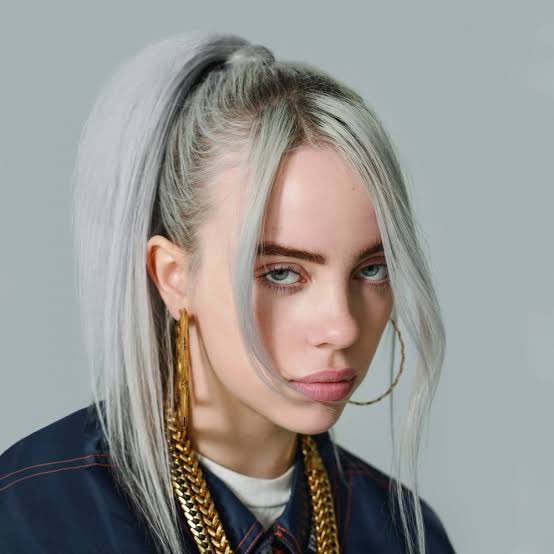

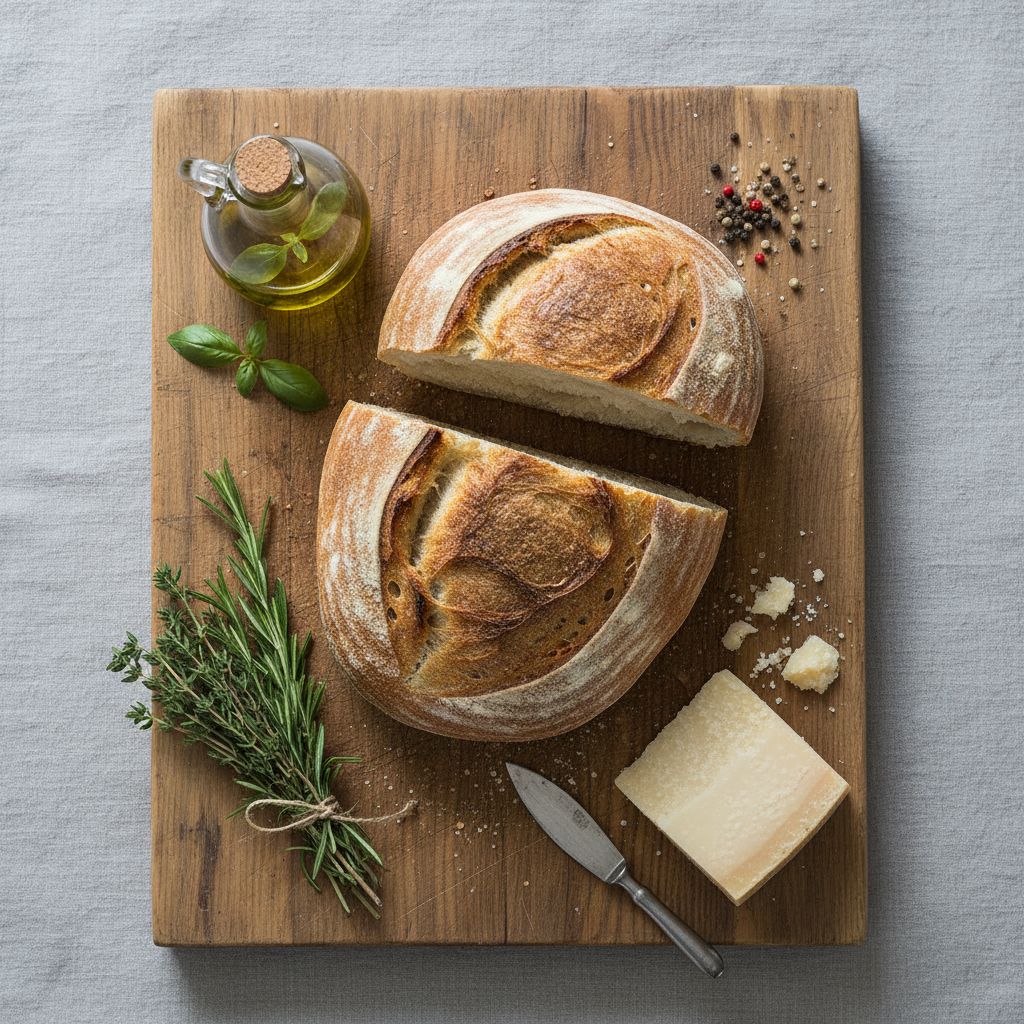
Model overview
Nano Banana is the fast visual-exploration route in this workspace. It is most useful when you need several distinct directions before committing a production pass. Keep prompts concrete: name the subject, choose a framing, state lighting and materials, then change one variable between runs. Inside Seedream 5.0 Pro, this model opens the generator with a live credit estimate before the request starts.
Decision guide
Use Nano Banana for moodboards, campaign directions, thumbnails, style studies, and quick reference-led changes. Text-to-image and image-to-image are live. Once a direction is selected, compare the same brief with live Seedream 5.0 Pro or GPT Image 2 when structure, typography, or precise edits matter more. Keep the comparison on Seedream 5.0 Pro when you want this image route next to the live Seedream 5.0 Pro path.
Capabilities stay tied to what the live endpoint can do in this workspace.
Each example pairs a visual reference with a copyable production brief. Replace subjects while keeping hierarchy, light, and materials concrete.
Start with a strong visual premise before polished campaign detail.
Surreal travel moodboard, cobalt ocean seen through a hotel window, oversized citrus, sun-faded linen, flash photography, optimistic summer palette.
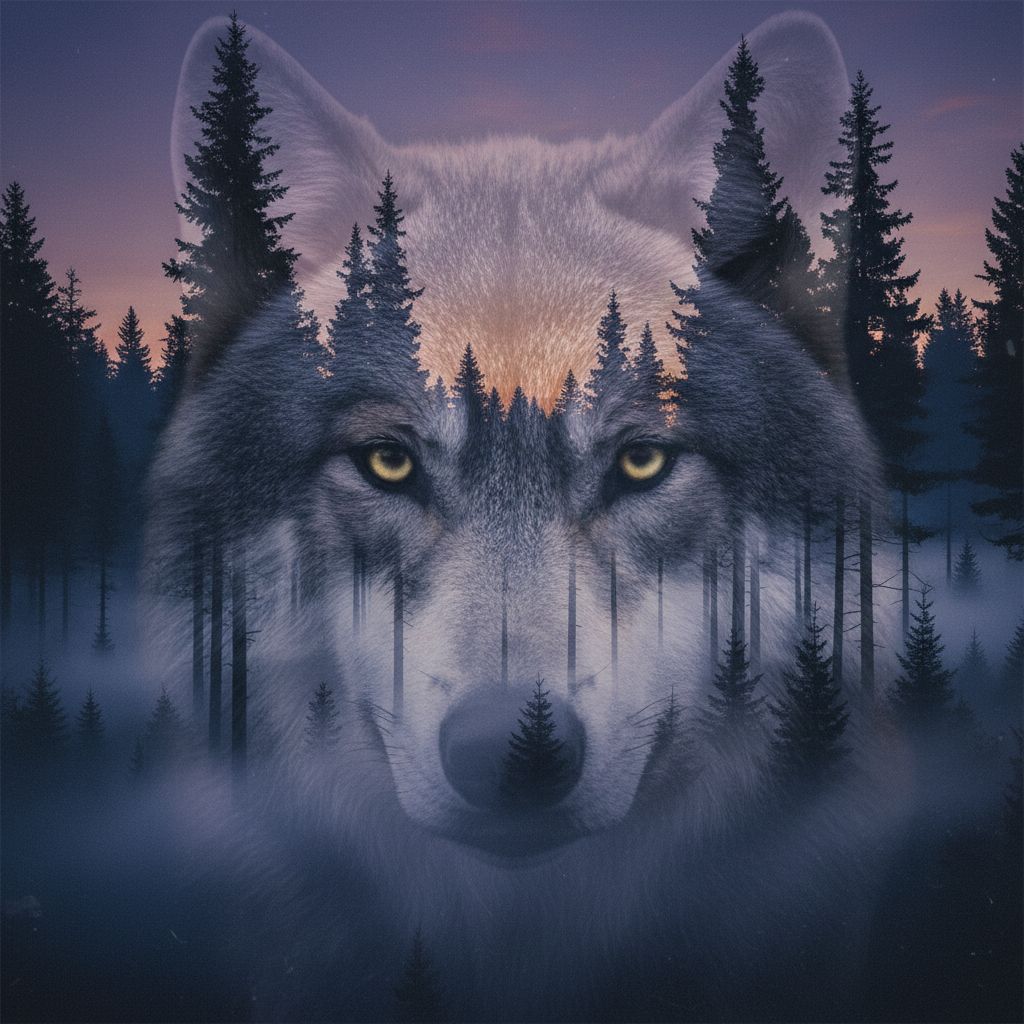
Use one subject and one graphic device so variations stay comparable.
Independent film poster, lone cyclist crossing a huge red circle at dusk, grainy risograph texture, bold negative space, no text.

A material and shelf context makes early packaging concepts easier to judge.
Sparkling water can design on a wet stainless-steel counter, electric lime and silver colorway, condensed type area left blank, candid studio flash.
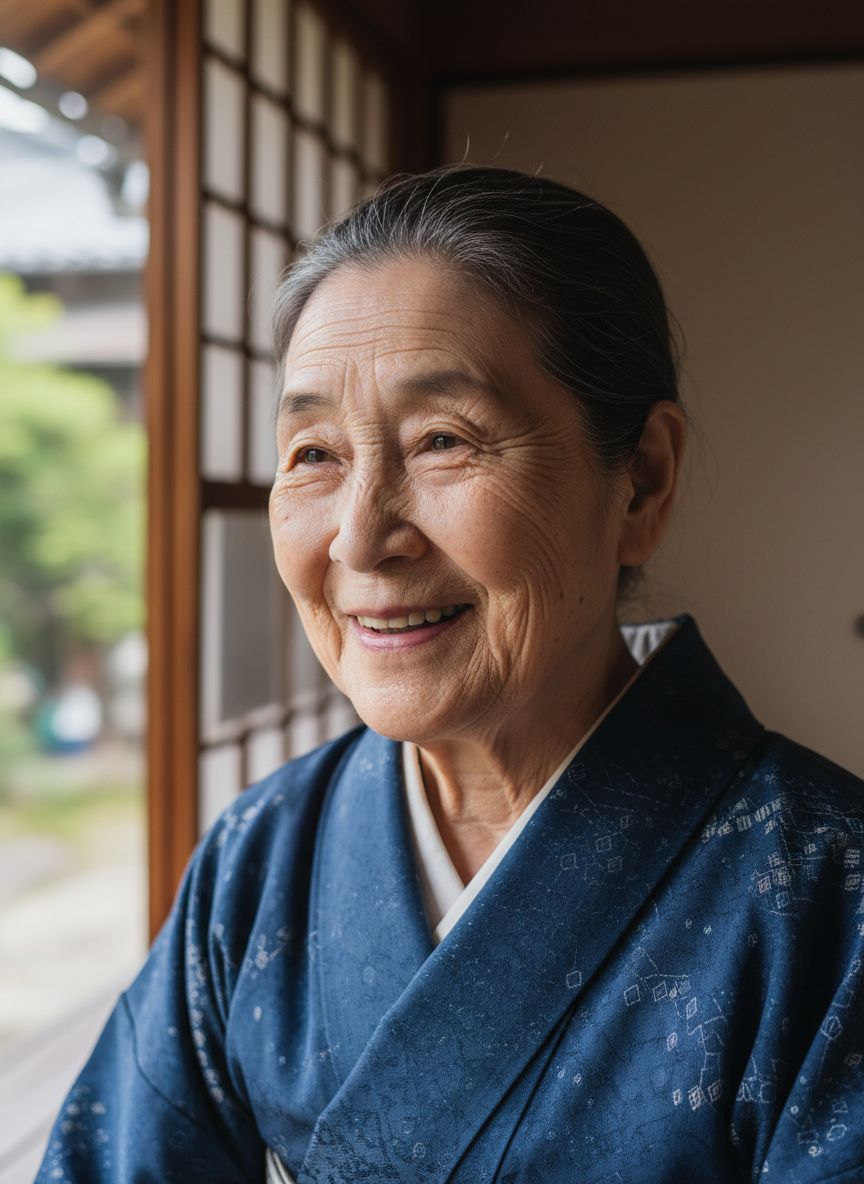
Retain the product silhouette while changing only the art direction.
Keep the bottle silhouette and label from the reference. Restyle as a sunlit Mediterranean breakfast scene with striped linen, lemon peel, and soft film grain.
A readable thumbnail has one dominant face, object, or gesture.
YouTube thumbnail direction, expressive chef holding a giant saffron croissant, bright market kitchen, close wide-angle camera, high contrast, space for short text.
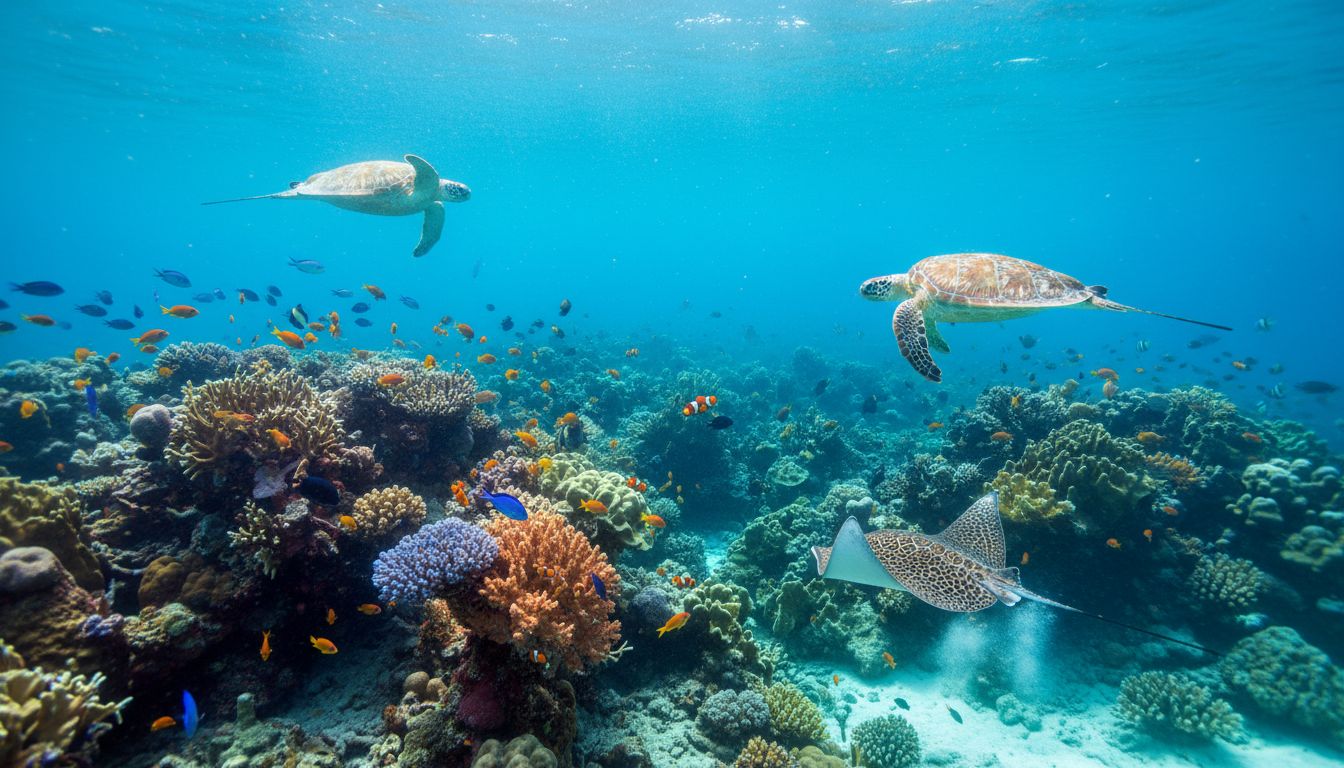
Lock core identifiers, then test only location and medium.
Same curious young astronaut with orange visor and white utility suit, now in a moss-covered library on the moon, gentle watercolor illustration.
Freeze composition and swap only color temperature and props.
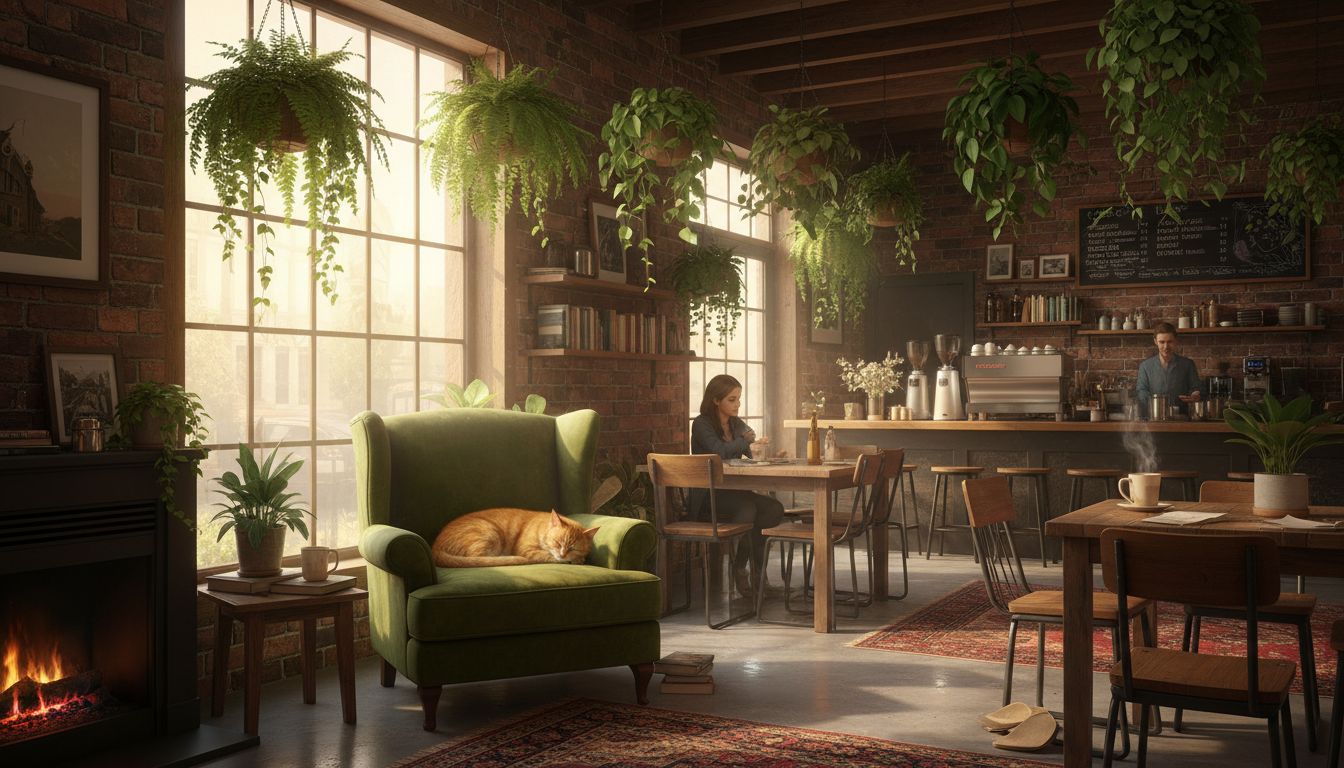
Same cafe window seat composition, autumn version: amber leaves outside, cinnamon latte, warm tungsten interior, soft film grain.
Keep interface hierarchy modest and leave labels short.
Mobile wellness app home screen, large circular breath timer, three short habit rows, sage and cream palette, generous spacing, no tiny unreadably dense text.
Small, intentional changes produce more learning than rewriting every part of the prompt.
Make a first visual hypothesis and decide whether the next run should change composition, palette, setting, or medium.
Use a handful of tightly related directions rather than rewriting the whole prompt each time.
Save the prompt and aspect ratio of the strongest output so it can become a reference or comparison baseline.
Move a selected concept to a more detailed brief only after the overall visual direction is working.
Live constraints for Nano Banana on this route: endpoints, credit math, and provider pricing sources you can verify before generating.
What creators say after using this workflow in production.
Nano Banana is my first pass for three distinct campaign directions before lunch. Speed matters when the client still has not picked a visual lane.
One subject, one framing change per run — that discipline plus Nano Banana volume gets us moodboards the team can actually vote on.
Reference-led restyling for seasonal palette swaps is faster here than reopening a heavy production model for every color story.
We use Nano Banana for thumbnails and hero concepts, then move the winner to Seedream or GPT Image 2 for the polished deliverable.
Students learn prompting faster when iterations are cheap. Nano Banana rewards concrete nouns instead of ten vague aesthetic adjectives.
Fast Gemini edits for wardrobe and lighting on the same character beat saved our trailer pre-vis week.
Yes. Nano Banana is currently available for text-to-image generation and reference-guided image edits in the shared image workspace. This applies inside the Seedream 5.0 Pro product.
It is a practical choice for fast concepting, broad visual exploration, moodboards, thumbnail directions, and controlled restyling. This applies inside the Seedream 5.0 Pro product.
Write a clear subject and frame, then use lighting, material, palette, and medium as supporting direction. Change only one element between comparison runs. This applies inside the Seedream 5.0 Pro product.