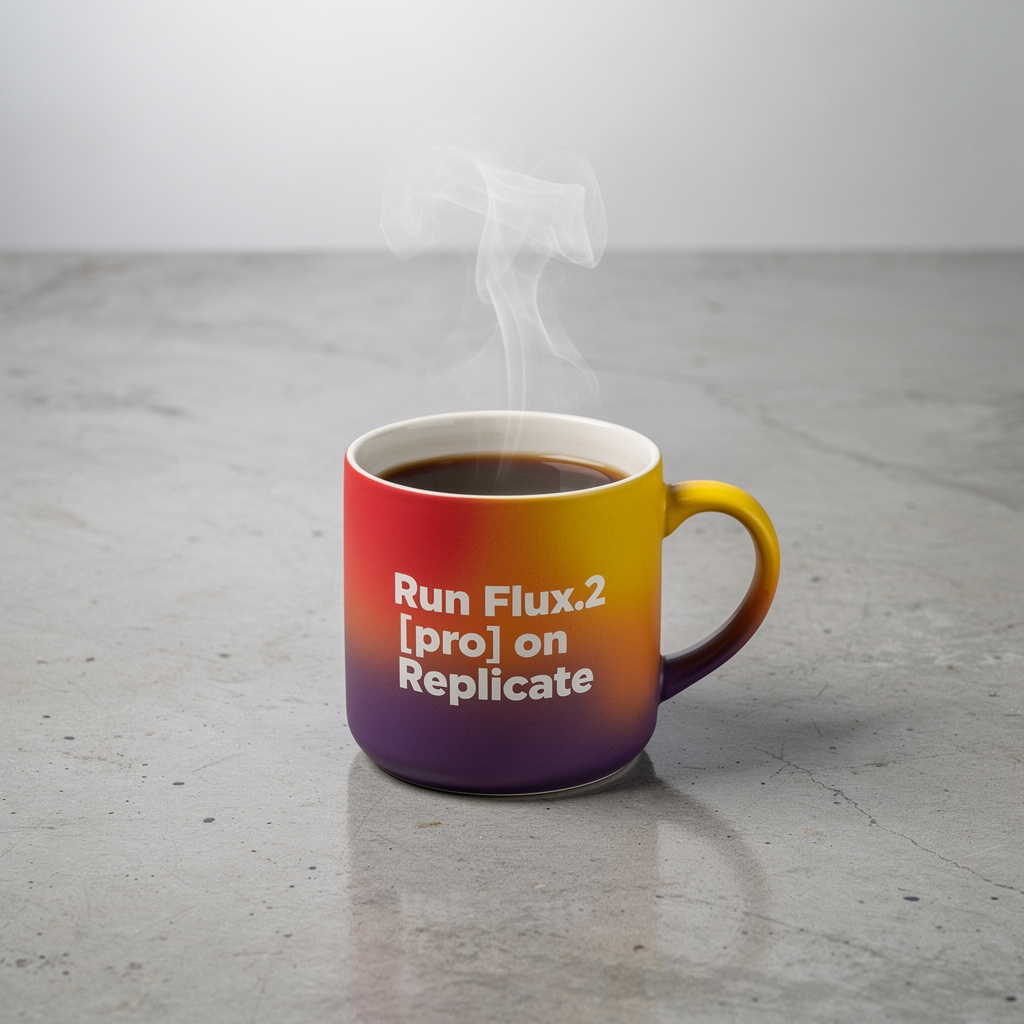
Vertical product hero
Portrait crops need a clear vertical subject and margin plan.
Vertical product hero of a ceramic pour-over dripper, steam, oak counter, soft north light, catalog crop with top and bottom margin.
 Seedream 5.0 Pro
Generate with FLUX.2 Pro for production stills with exclusive examples in the live generator.
Also consider: FLUX.2 for exploration; FLUX.2 Max for final-asset density. The live default on this site remains Seedream 5.0 Pro.
Your image will appear here
Exclusive visuals for this page. Use them as composition references when writing your own brief.






Model overview
FLUX.2 Pro is the production FLUX route for campaign stills, packshots, and art-directed plates that need consistent quality without Max-level spend on every draft. Keep briefs concrete and reusable across batch variations. Inside Seedream 5.0 Pro, this model opens the generator with a live credit estimate before the request starts.
Decision guide
Use Pro when you are iterating a selected direction for delivery. Drop back to FLUX.2 for cheap exploration, or step up to Max for the last polish pass. Keep the comparison on Seedream 5.0 Pro when you want this image route next to the live Seedream 5.0 Pro path.
Capabilities stay tied to what the live endpoint can do in this workspace.
Each example pairs a visual reference with a copyable production brief. Replace subjects while keeping hierarchy, light, and materials concrete.
Portrait crops need a clear vertical subject and margin plan.
Vertical product hero of a ceramic pour-over dripper, steam, oak counter, soft north light, catalog crop with top and bottom margin.
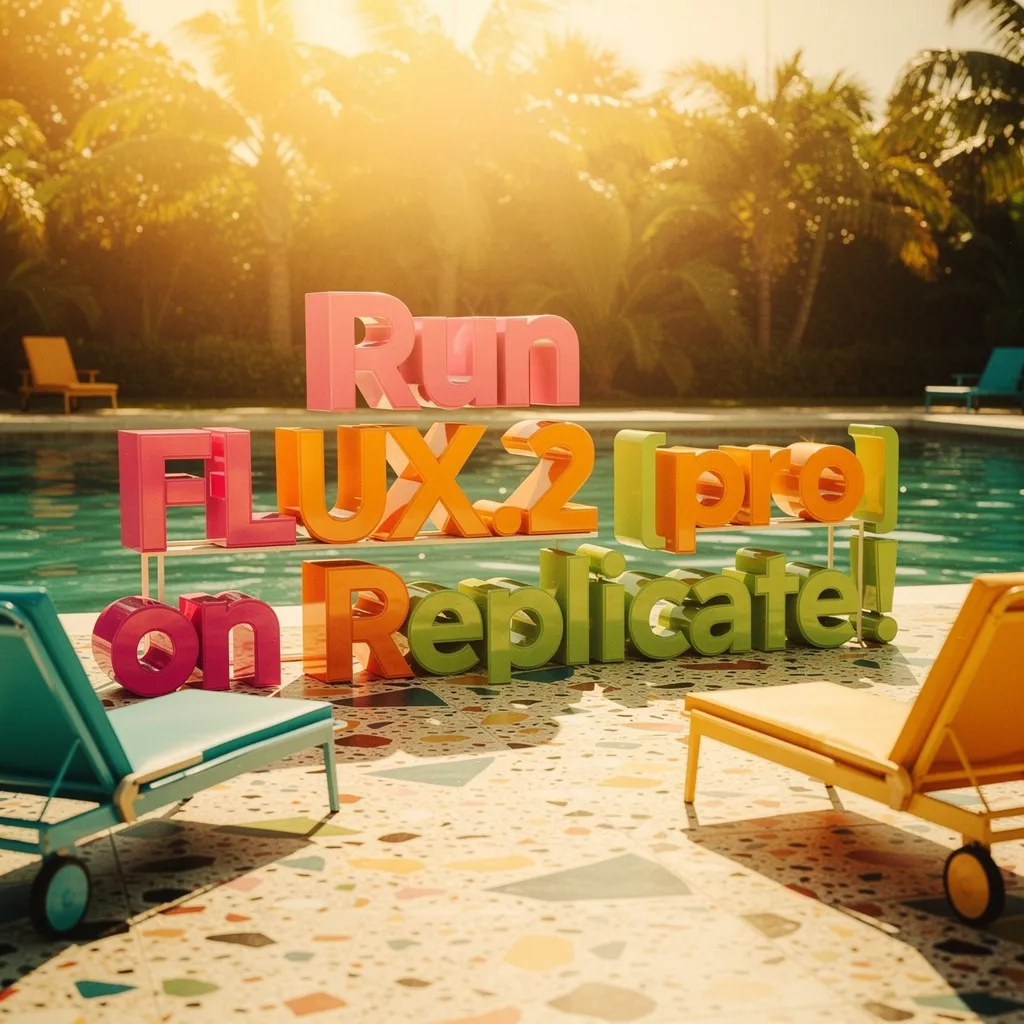
One gesture beats a crowded scene for social crops.
Vertical portrait of a baker dusting flour, candid smile, warm kitchen bokeh, natural window light, social-ready framing.

Freeze camera height and surface for SKU variations.
Centered packshot of a matte black spice tin on seamless warm grey, soft overhead softbox, subtle contact shadow, blank label area.

Show the product in use with one clear action.
Hands pouring sparkling water into a tall glass on a sunny balcony table, citrus slice, shallow depth, lifestyle insert.

Leave a stable text band; do not invent long slogans.
Wide store banner direction: folded linen stacks in muted earth tones, soft daylight, empty right band for a short seasonal title.

Wardrobe, pose, and location should be named once and kept stable.
Lookbook frame: model in olive trench walking past wet cobblestones, overcast daylight, 35mm reportage color.
Small, intentional changes produce more learning than rewriting every part of the prompt.
List the SKUs, crops, or lookbook frames before writing prompts.
Freeze angle, surface, and light so variations stay comparable.
Use Seedream 5.0 Pro or Nano Banana for current production volume.
Keep prompts for a future FLUX.2 Pro side-by-side.
Live constraints for FLUX.2 Pro on this route: endpoints, credit math, and provider pricing sources you can verify before generating.
What creators say after using this workflow in production.
FLUX.2 Pro examples show the middle ground between draft and hero — useful for briefing retouchers on what “done” should look like.
We treat Pro-tier prompts as production specs. When we switch to a live model, nothing in the brief needs rewriting.
Material and reflection notes from the Pro gallery improved our product stills on GPT Image 2 immediately — same language, different engine.
Tracking status is clear. No one on the team wasted credits looking for a Pro button that is not wired up yet.
Pro showcase stills help align stakeholders before generation starts. Fewer rounds of “make it more premium.”
Shot-type first, style second — that order from the FLUX.2 Pro page changed how our juniors write prompts across all models.
Yes. FLUX.2 Pro is live for text-to-image and image-to-image in this workspace. This applies inside the Seedream 5.0 Pro product.
Yes. They are portable production briefs intended for the live image models in this workspace. This applies inside the Seedream 5.0 Pro product.
Both are live. Max emphasizes final-asset density; Pro emphasizes repeatable production runs. Open either model from the generator. This applies inside the Seedream 5.0 Pro product.