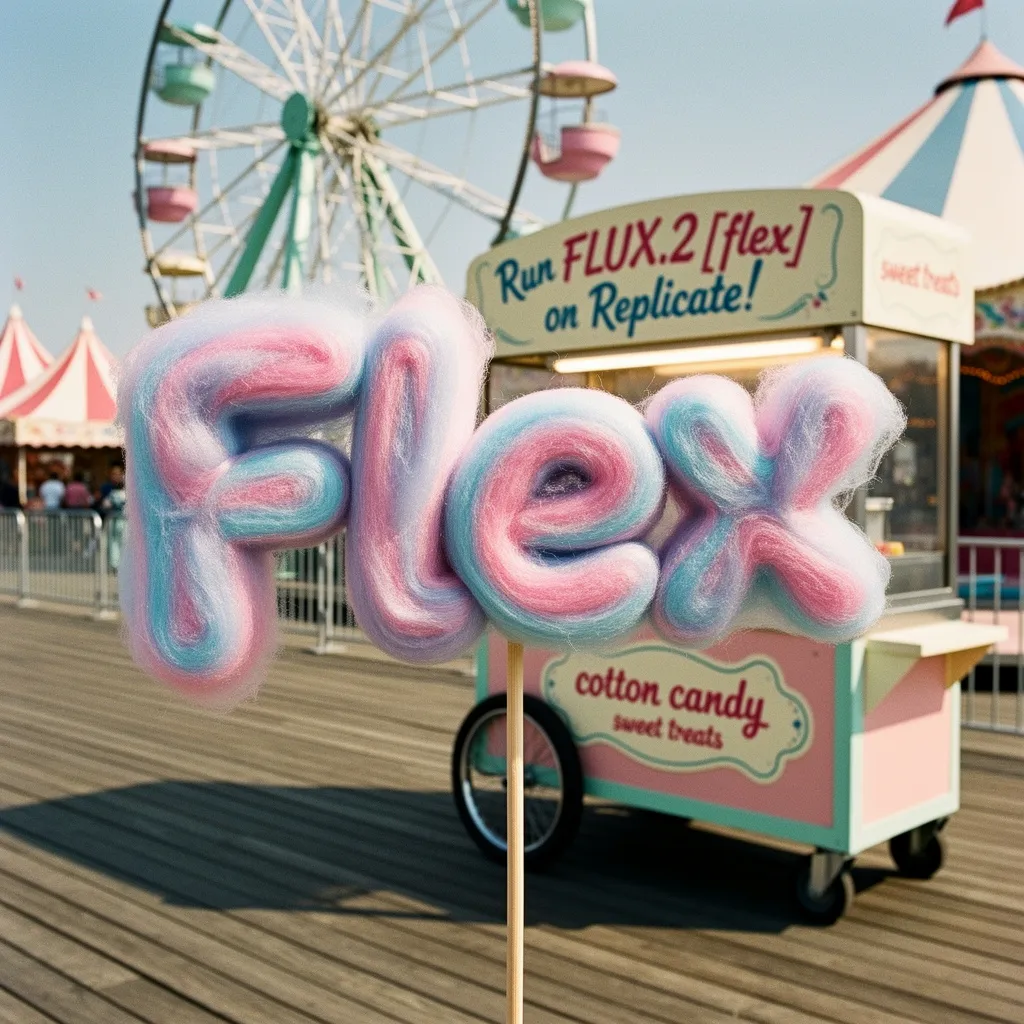
Wide cinematic still
Environment plus one figure anchor keeps wide frames readable.
Wide cinematic still of a lone courier on a rain-soaked overpass at blue hour, distant city glow, anamorphic lens flares, restrained color grade.
 Seedream 5.0 Pro
Generate with FLUX.2 for photoreal and illustrative stills with exclusive examples in this workspace.
Also consider: FLUX.2 Pro or Max for higher finish; Seedream 5.0 Pro for dense information layouts.
Your image will appear here
Exclusive visuals for this page. Use them as composition references when writing your own brief.

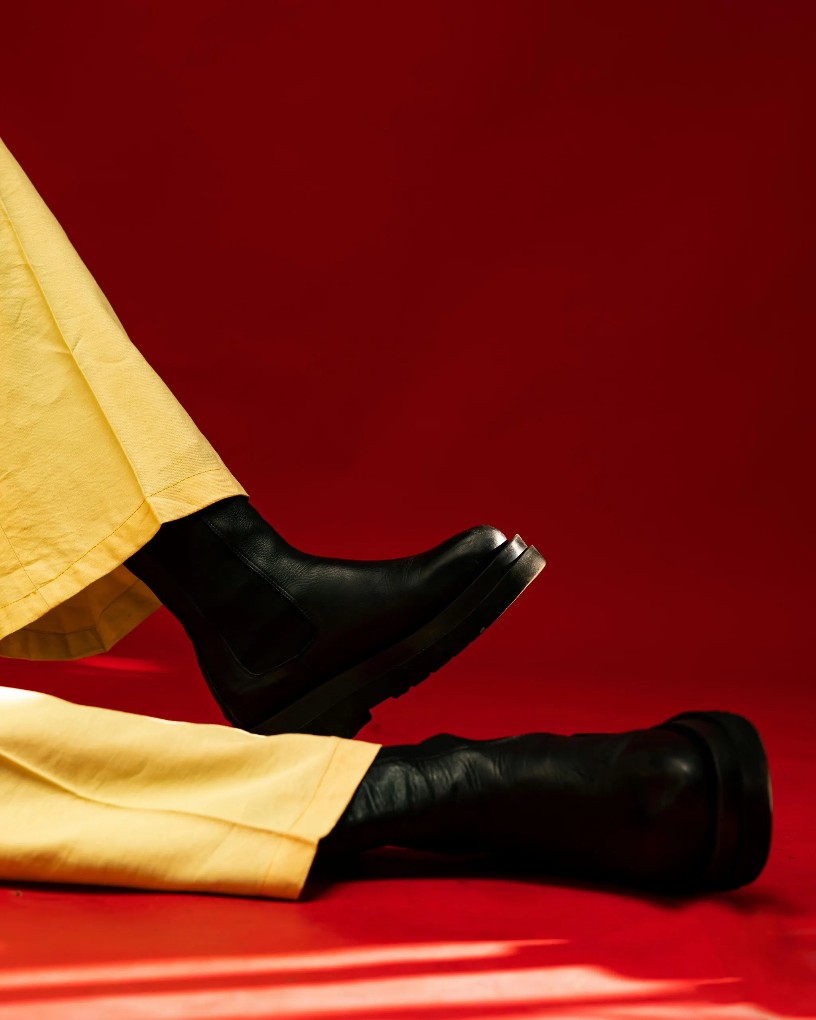

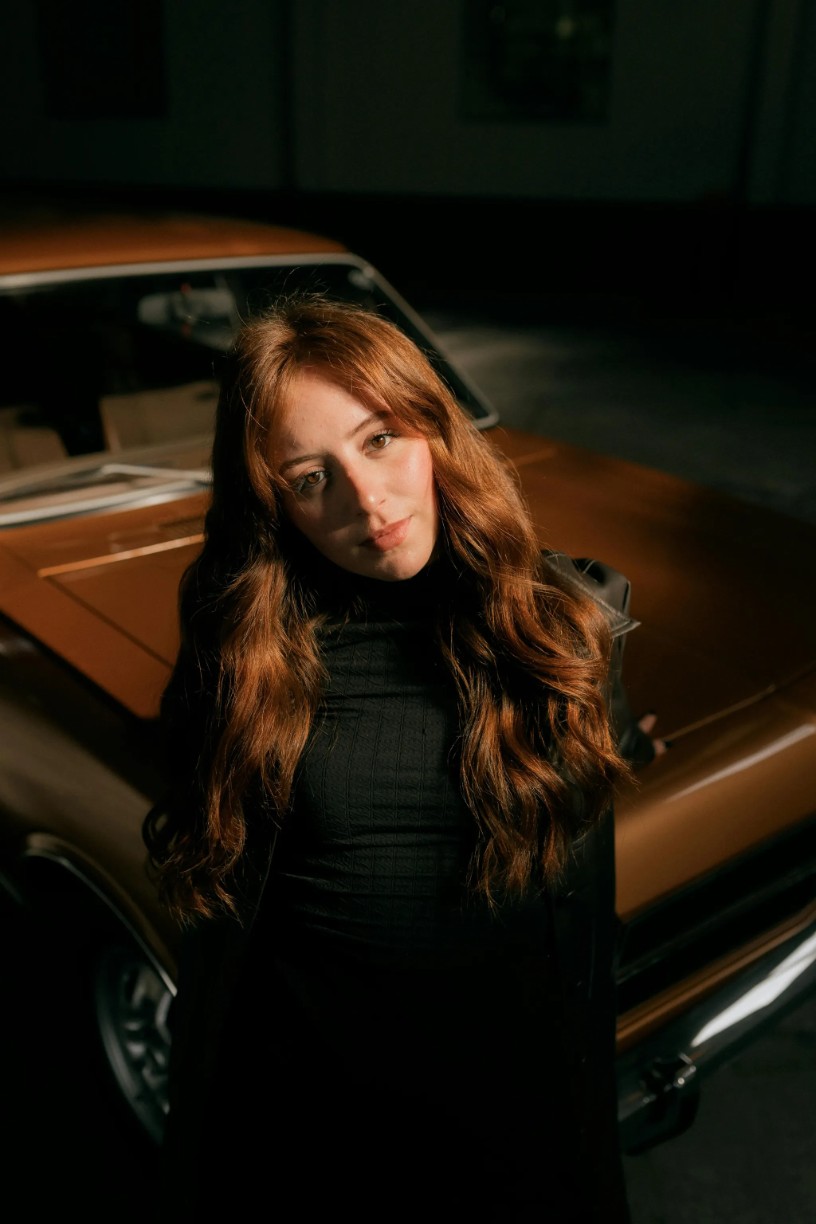
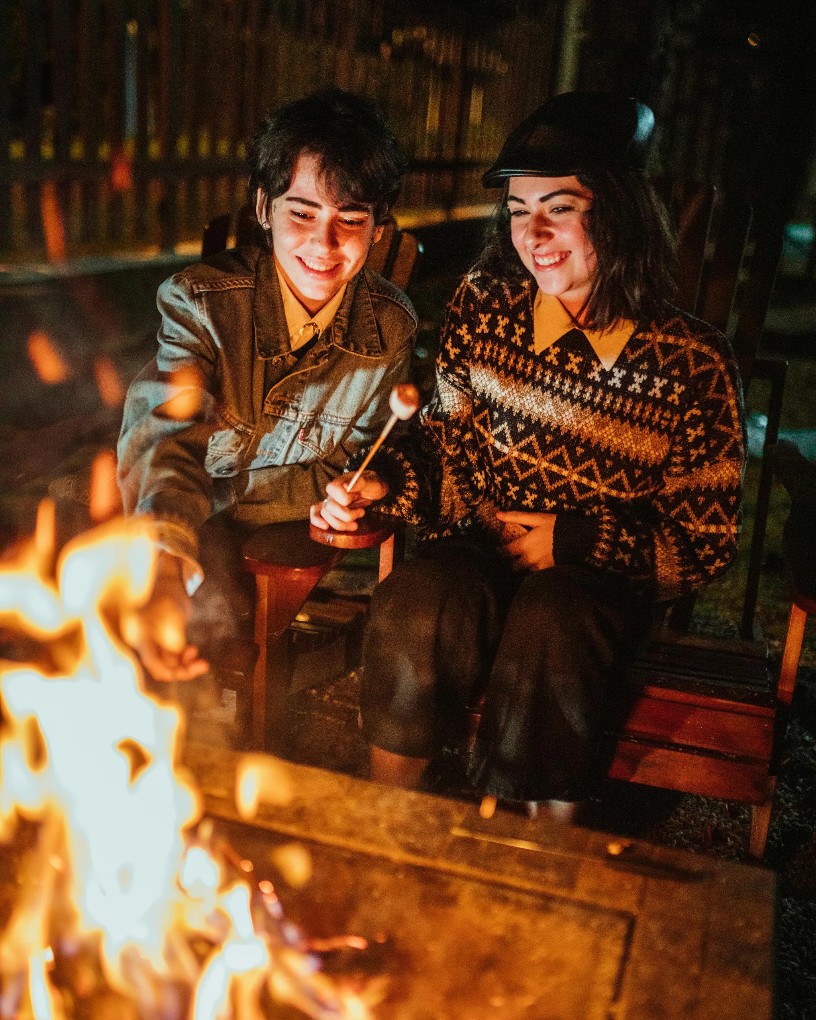
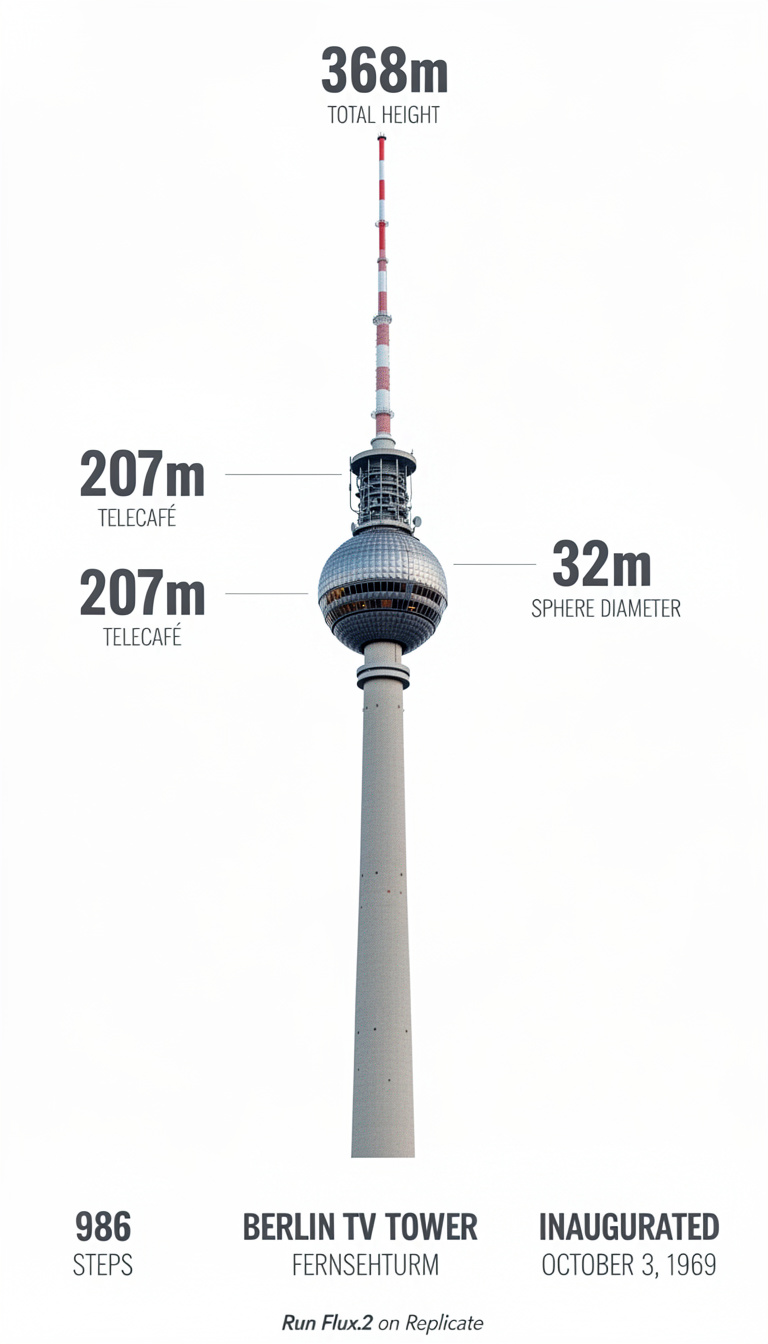
Model overview
FLUX.2 is the flexible Black Forest Labs route for photoreal product frames, editorial portraits, and illustrative plates. Keep the prompt ordered: output type, subject, composition, light, material, and finish. Use image-to-image when a reference must anchor identity. Inside Seedream 5.0 Pro, this model opens the generator with a live credit estimate before the request starts.
Decision guide
Start with FLUX.2 for broad FLUX-family exploration. Move to FLUX.2 Pro for production batches and FLUX.2 Max when the still needs final-asset density. Credits are shown before every request. Keep the comparison on Seedream 5.0 Pro when you want this image route next to the live Seedream 5.0 Pro path.
Capabilities stay tied to what the live endpoint can do in this workspace.
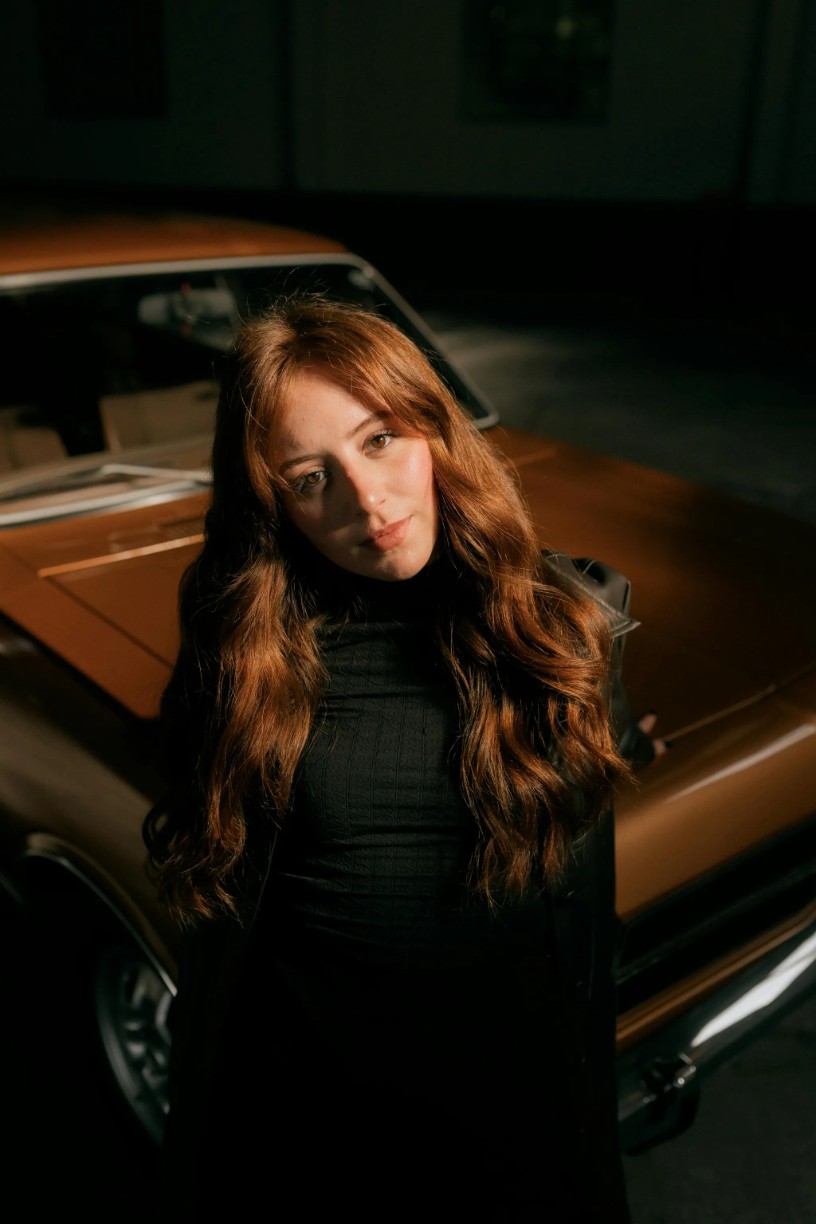
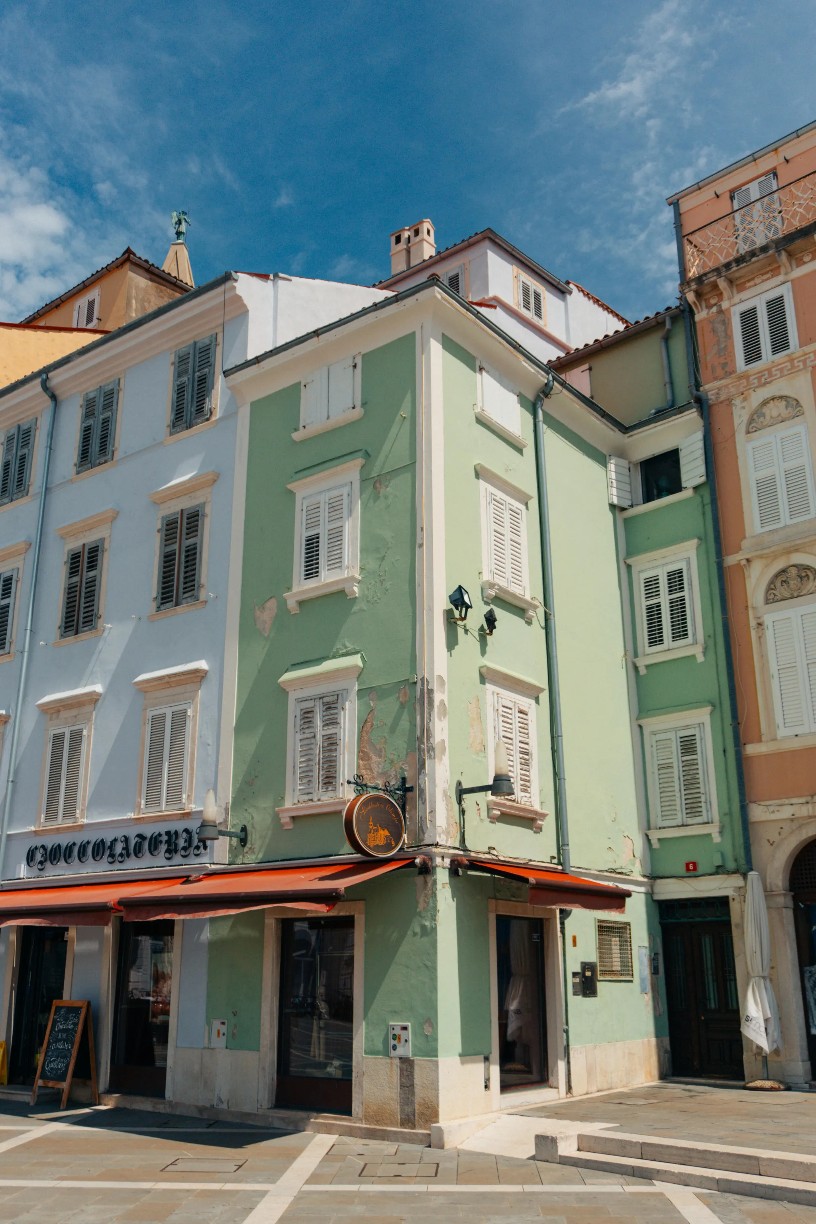
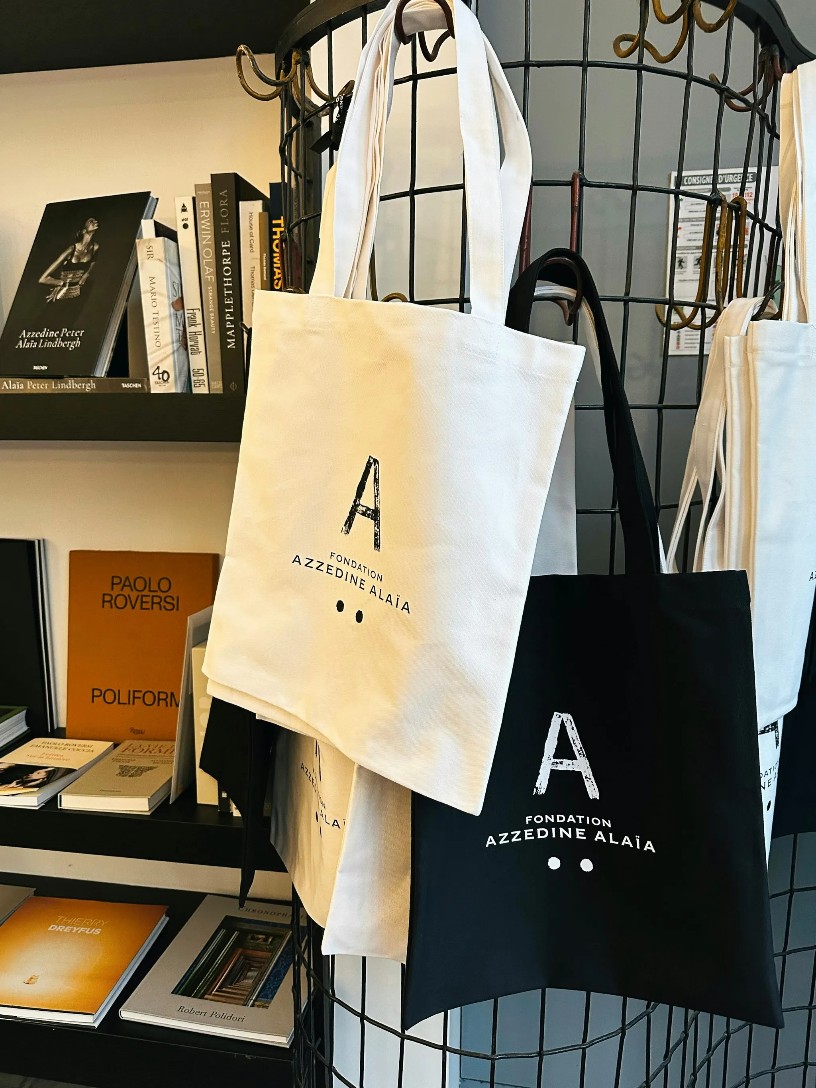
Each example pairs a visual reference with a copyable production brief. Replace subjects while keeping hierarchy, light, and materials concrete.
Environment plus one figure anchor keeps wide frames readable.
Wide cinematic still of a lone courier on a rain-soaked overpass at blue hour, distant city glow, anamorphic lens flares, restrained color grade.
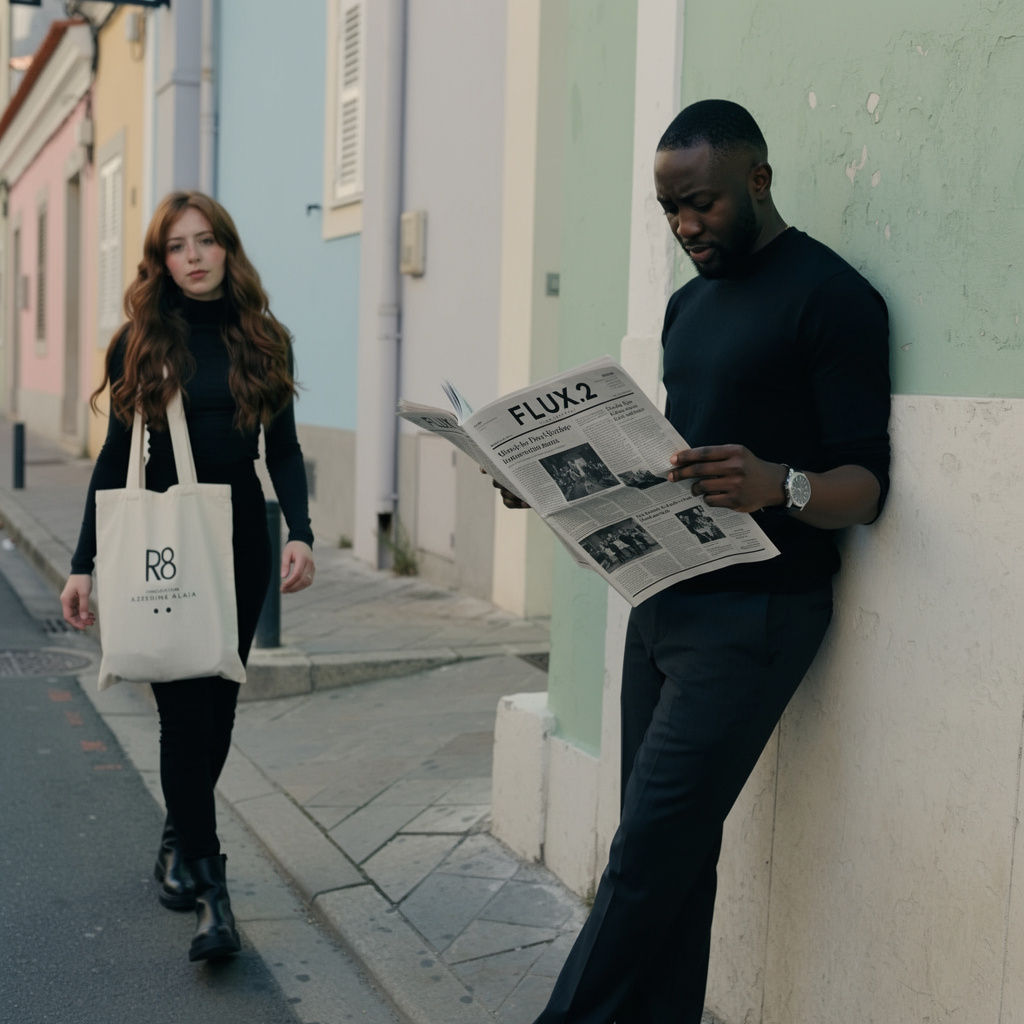
Skin texture and catchlights are easier to judge in a clean portrait brief.
Close portrait of a ceramicist in natural window light, clay dust on cheek, shallow depth, medium-format color photograph.

Limit palette and specify reflections for a fair realism comparison.
Matte black camera body on rippled aluminium, thin ice-blue light strip, precise engraved details, premium industrial product photograph.
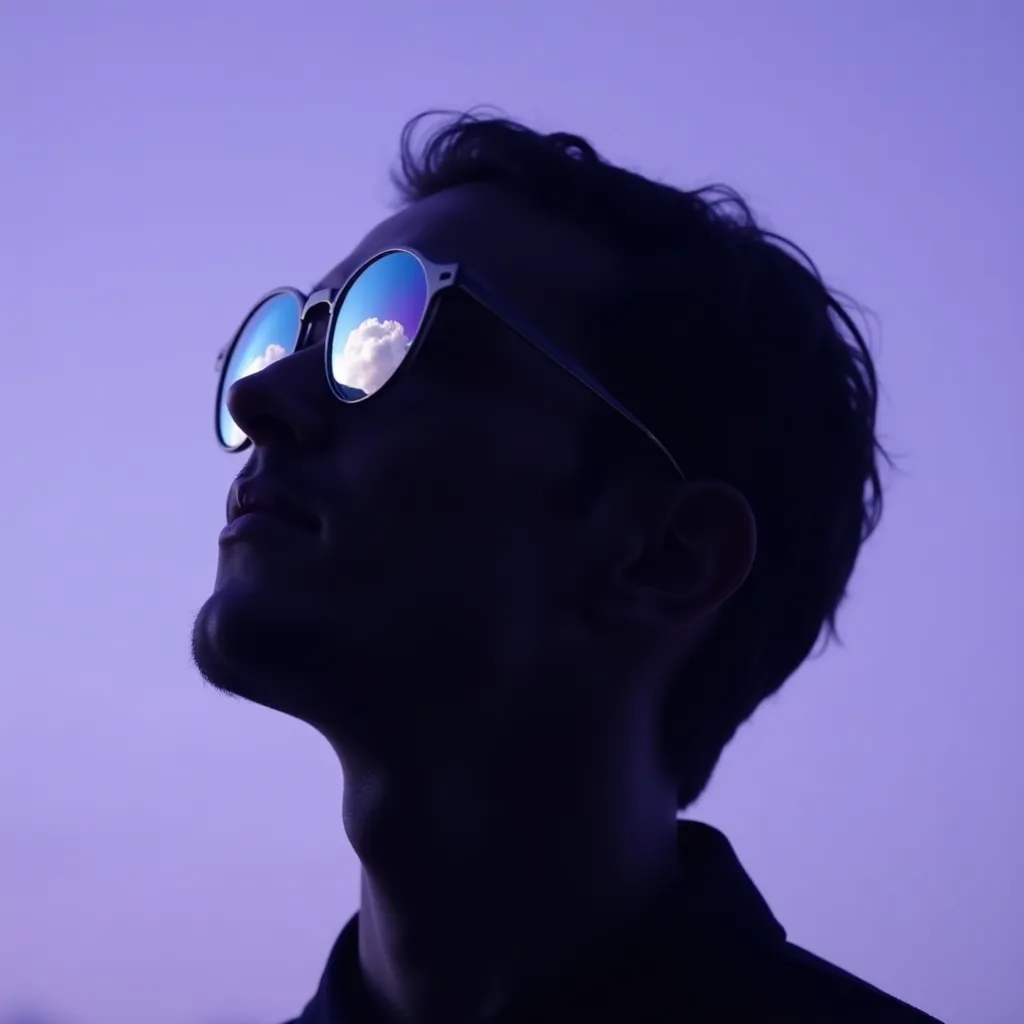
Give the room one architectural move and a disciplined material palette.
Compact listening room with curved walnut wall, deep green wool sofa, low afternoon sun, built-in record shelves, quiet architectural photography.
Keep exact title strings short and locate them explicitly.
Concert poster titled MIDNIGHT BRASS, saxophonist silhouette against amber spotlight, deep navy and gold, clean top title zone.
A named gesture and table material make food imagery testable.
Hands breaking warm sesame flatbread over brushed aluminum, scattered herbs, hard noon shadow, contemporary food magazine still life.
Fabric motion and lens choice should be explicit.
Tight FLUX.2 beauty frame: charcoal knit beanie, wind-lifted fringe, overcast skylight, visible wool weave and skin pores, 85mm studio-editorial look.
Use contrast and negative space for a layout-ready announcement visual.
Electric bicycle suspended above a dark studio floor, crisp hard shadow, emerald reflector, left-side negative space for a product announcement.
Small, intentional changes produce more learning than rewriting every part of the prompt.
Use a product, portrait, layout, scene, or edit task that mirrors your actual work.
Save the wording and reference image before moving between model families.
Use a live provider and model label for work that needs to ship today.
When FLUX.2 is available, compare outcomes on the same task, not on unrelated prompts.
Live constraints for FLUX.2 on this route: endpoints, credit math, and provider pricing sources you can verify before generating.
What creators say after using this workflow in production.
The FLUX.2 examples page helps us write briefs with realistic light and material language before we commit studio budget.
Even while FLUX.2 is tracked here, the prompt patterns translate directly to our live Seedream runs. Same hierarchy, different endpoint.
Gallery stills set a quality bar the team can point to in kickoff meetings instead of arguing from abstract adjectives.
I study the showcase for finish level — skin texture, metal, fabric — then mirror that vocabulary in whatever live model we use that week.
Transparent status beats a fake generate button. We know when to wait for FLUX and when to ship with GPT Image 2 today.
FLUX.2 prompt examples taught our studio to lead with deliverable type: poster, product, editorial — not just “cinematic vibe.”
Yes. FLUX.2 is live for text-to-image and image-to-image in this workspace. This applies inside the Seedream 5.0 Pro product.
Use Seedream 5.0 Pro for structured visual work, FLUX.2 Pro for detailed production output, Nano Banana for rapid concepts, or GPT Image 2 for instruction-led typography and edits.
It helps creators plan transferable visual briefs and provides a transparent benchmark set if a verified FLUX integration is added later. This applies inside the Seedream 5.0 Pro product.